
Cities & villages
What Belongs on a Village Website
· 7 min read
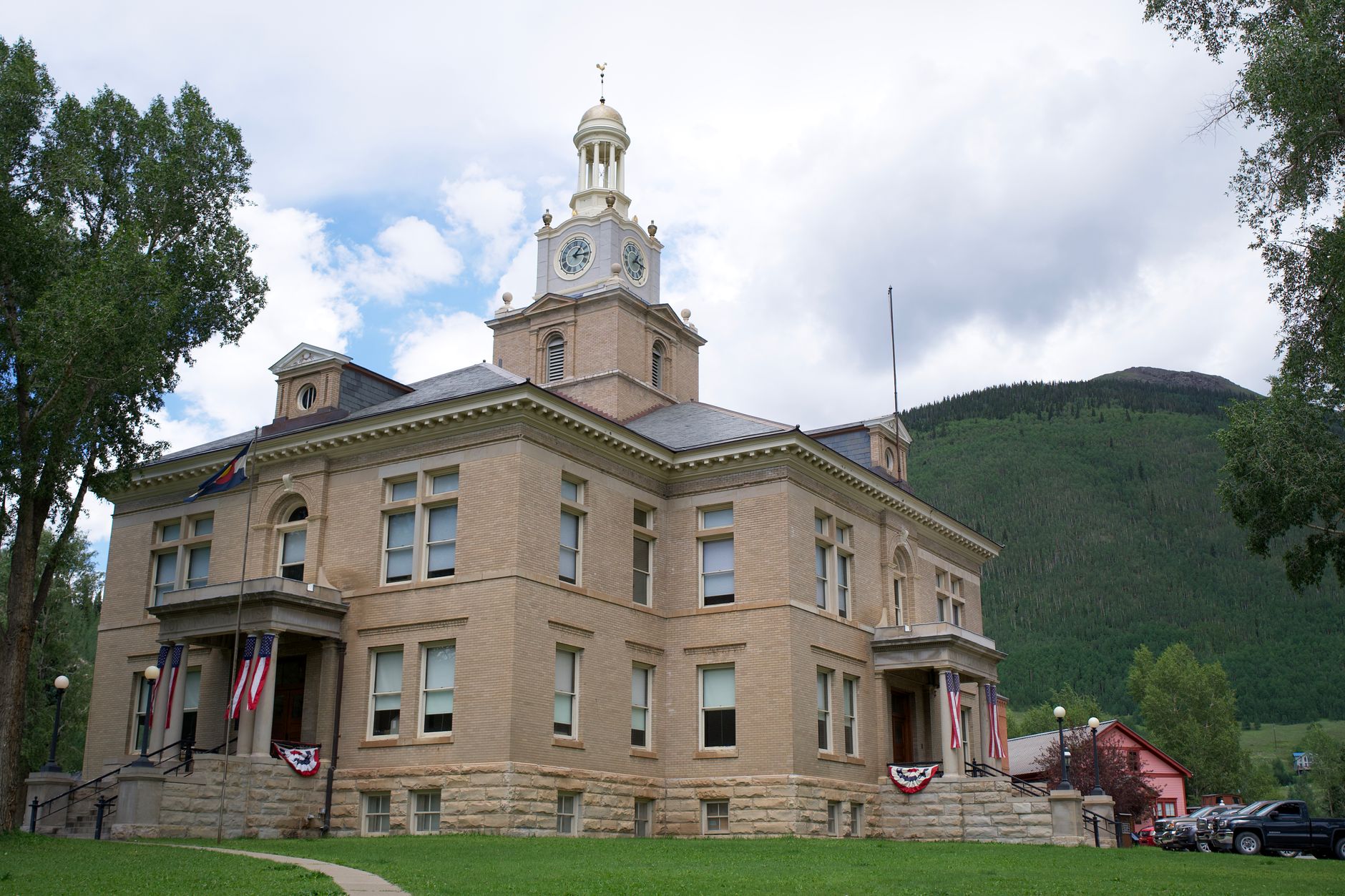
Photo by Strange Happenings on Pexels
Make the village website do the work of the front desk
A good village website should save time for your staff and make life easier for residents. If someone can find the meeting date, the right form, utility contact, or permit step in a minute or two, that is one less phone call, one less walk-in question, and one less missed chance to keep people informed.
The goal is not to put everything online. The goal is to put the right things online, in plain language, where people can find them quickly on a phone. For a small village, that usually means a clear home page, a few useful service pages, and current notices that people can trust.
Start with the pages people ask for most
If you are deciding what belongs on the site first, begin with the questions that come up again and again at the clerk's office, at public meetings, and by phone. Those are the pages that will give you the most value right away.
- Board and council meetings, with the next meeting date, agenda, minutes, and how to attend
- Notices and announcements, including water work, road work, office closures, and emergency messages
- Services and forms, such as trash, recycling, yard waste, building requests, and public records forms
- Permits and applications, with a simple explanation of what is needed and where to send it
- Utilities and contacts, with names, phone numbers, hours, and what each office handles
- About the village, including elected officials, staff, meeting calendar, and basic contact information
These pages do not need fancy language. They need clear labels, current dates, and a simple path to the answer.
What to put on the meetings page
People often look for meetings when they want to know what is being discussed, when the next meeting is, or how to get a document. Your meetings page should answer those questions fast.
At a minimum, include the regular meeting schedule, the next meeting date, agendas, minutes, and the place or way to attend. If your village posts recordings, include them in the same place so people do not have to search around the site. Keep older items easy to find, because residents and staff often need to look back.
If your rules for notices, agendas, or minutes vary by state or locality, follow your own attorney, clerk, or governing rules. The website should reflect those rules clearly, not guess at them.
Use notices for timely, practical updates
Notices should be short, clear, and easy to scan. This is where you put information people need today, not a long explanation.
Good examples include a boil water notice, a change in office hours, a street closure, a change in trash pickup, or a reminder about a public hearing. Put the newest notice near the top and make the date obvious. If the notice is only for a short time, remove it when it is no longer needed so the site does not look stale.
A village website works best when residents can tell at a glance what is current, what is urgent, and what has changed.
Make services and forms easy to understand
Residents should not have to know the name of an office before they can find a form. Organize service pages around the task, not the department.
For example, instead of hiding everything under a staff page, group things by what people are trying to do: pay a utility bill, report a water issue, request street repair, apply for a permit, or ask for records. Use plain labels and keep each page focused on one job.
If a form is needed, say what it is for, who should use it, and where to send it. If a form can be printed or downloaded, place it right beside a short explanation. If someone must call first, say that clearly too.
Put permits and utilities where people expect them
Permits and utility information are two of the most useful parts of a village website because they solve everyday problems. They also save your office time when the instructions are easy to find.
For permits, give people the basics: what the permit is for, who may need it, what information to gather, and which office handles it. Do not make residents guess whether they need the clerk, zoning, public works, or another office. If the rules vary by state and locality, direct them to the right local office for the current requirements.
For utilities, list the contact person or office, office hours, payment options if you choose to publish them, and what to do in an emergency. If there is a water or sewer issue after hours, make that contact easy to spot. This is one of the simplest ways to reduce repeat calls and frustrated messages.
Give contacts and hours a permanent home
One of the most common reasons people visit a village website is to find a phone number fast. That means contact information should never be buried.
Create a clear contact page with the main office number, mailing address, hours, and email addresses for the offices people use most. If different services have different contacts, list them by task. For example: clerk, water, code enforcement, public works, or cemetery records, as applicable to your village.
Keep this page current. An outdated phone number or office hour creates more problems than having no page at all.
Keep the home page simple and useful
The home page should not try to do everything. It should point people to the few things they need most.
A strong home page for a village website usually includes:
- Next board or council meeting
- Current notices
- Top services and forms
- Utility and office contacts
- Hours and address
That is enough for most visitors. If you also share a short welcome message, a photo of the village hall, or a brief community update, keep it secondary to the practical items.
What to leave off, or move lower
Some content can stay on the site, but it should not get in the way of the important items. Long background text, old announcements, repeated documents, and pages that do not help a resident solve a problem should not crowd out the basics.
Think about what a resident is trying to do in the first minute on the site. If they cannot find it, the site is not doing its job.
If you are starting over or cleaning up an older site, Mainfolk can help organize public information for a village website and keep your own web address in place, with public content moved over for you. More detail is here: website services for local governments and public bodies.
Mainfolk Civic is $149 a month or $1,490 a year, everything included, no contract and no setup fee, and a public body can ask for a written quote.
A simple test before you launch
Before the site goes live, ask three people to try it: someone at the office, someone on the board, and one resident who does not visit often. Ask them to find the next meeting, a permit, and a utility contact. If they can do that without help, you are close.
That is the real job of a village website: fewer calls about basics, faster access to public information, and a site that helps your office run more smoothly.
Free download: grab our city or village website checklist: the short, plain-English list of what your site needs to get found and bring in calls. No cost, no obligation.
Common questions
What are the most important pages on a village website?
Start with meetings, notices, services and forms, permits, utilities, and contact information. Those are the pages residents use most often.
How much detail should we put on permit pages?
Enough to explain what the permit is for, who might need it, and which office handles it. If local rules vary, direct people to the correct local office for the current requirements.
Should the home page hold all the information?
No. The home page should point people to the most-used items fast, then guide them to the right page for more detail.