
Churches
How Churches Get Found on Google by Nearby Visitors
· 5 min read
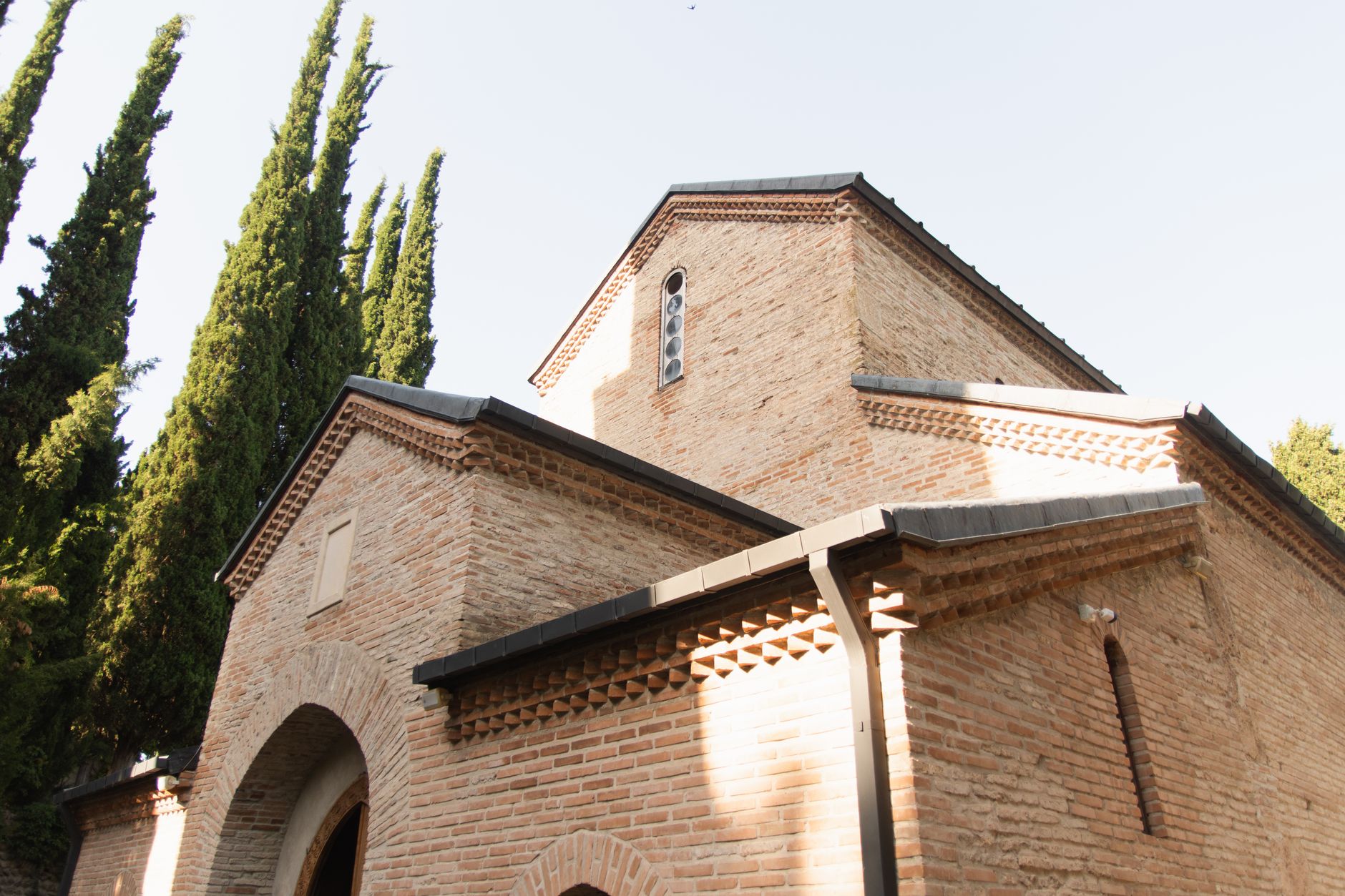
Photo by Алексей Вечерин on Pexels
Help the right people find your church this week
When someone is new to the area, looking for Easter service times, or trying to find help in a hard week, they often start with a search on their phone. If your church shows up clearly, they can get your address, service times, and contact details in seconds instead of moving on to the next place.
That is what local search is really about: helping people nearby find the right answer fast. For churches and ministries, that can mean more first-time visitors, more prayer requests, more event sign-ups, and fewer missed chances to welcome someone who was already looking for you.
What people usually search for
Most people do not type a long, polished sentence. They search the way they talk.
- church near me
- Sunday service times
- youth group near me
- church with child care
- prayer help near me
- food pantry open today
If your website answers those questions in plain words, you make it much easier for someone to choose your church. A clear page for service times, a simple location page, and a current events page can do a lot of the work.
The simple things that help you show up
You do not need a big marketing plan. Start with the basics people actually need.
1. Put your service time and address where they are easy to see
Keep your Sunday time, street address, and parking notes near the top of your home page. If families have to hunt for that information, some will give up. A visitor who can confirm your service time in ten seconds is more likely to come.
2. Use the same name everywhere
Use the same church name, address, and phone number on your website, your maps listing, and your social pages. If one page says “St. Mark’s” and another says “Saint Mark Church,” people can get confused. Clear, matching details help search results trust that your church is real and current.
3. Make one page for one need
Instead of putting everything on one long page, create simple pages for the things people search for most: service times, directions, ministries, youth, children, and help for those in need. A person looking for a food pantry should not have to read three unrelated paragraphs first.
4. Write like a neighbor would speak
Use plain words such as Sunday service, kids ministry, community dinner, or pastoral care. Do not assume people know your church terms. The clearer your words, the easier it is for someone searching on their phone to know they are in the right place.
5. Keep special event pages current
If you host Christmas Eve, VBS, a concert, or a recovery group, make sure the page has the date, time, location, and who is welcome. Old pages left online can send people to the wrong event or wrong hour, which leads to frustration instead of a visit.
A practical example
Imagine a family moves into town on Friday. On Saturday evening they search for “church near me” and “church with kids ministry.” If your site clearly shows service time, children’s classes, and directions, they can plan their morning in a minute.
If they only find a confusing page with missing details, they may assume the church is inactive or not ready for visitors. That one small moment can decide whether they show up, ask for help, or keep looking.
What to check on your site today
- Can someone find your Sunday service time in one glance?
- Is your address easy to copy into maps?
- Do your contact details match across the places people see you online?
- Do you have simple pages for children, youth, and help for those in need?
- Are your special event pages up to date?
If the answer to any of those is no, start there. Small fixes often bring the biggest gains because they remove the most common points of confusion.
Why this matters for ministry
For a church, being easy to find is not just about numbers. It is about making sure a neighbor who needs prayer, a parent looking for a safe place for children, or someone searching for hope can reach you without extra barriers.
That is also why a church website should stay current and easy to read. With church websites for local congregations and ministries, Mainfolk builds and keeps the site up to date so your team can spend less time fixing pages and more time serving people.
Local search works best when your website answers the real question a person has right now: Where do I go, when is it, and will I be welcome?
When your site does that well, the people nearby who are already looking for a church have a much better chance of finding you.
Free download: grab our church website checklist — the short, plain-English list of what your site needs to get found and bring in calls. No cost, no obligation.
Common questions
What is the most important information a church website should show first?
Service time, address, and a clear way to contact the church. Those are the details most people need before they decide to visit.
How do people usually find a church online?
Many start with a phone search like “church near me” or “Sunday service times.” They are usually looking for a quick answer, not a long story.
How often should a church update its website?
Any time service times, event details, or contact information changes. Even small changes matter because visitors often check right before they come.