
Fire departments
A Fire Department Website Everyone in Town Can Actually Use
· 4 min read
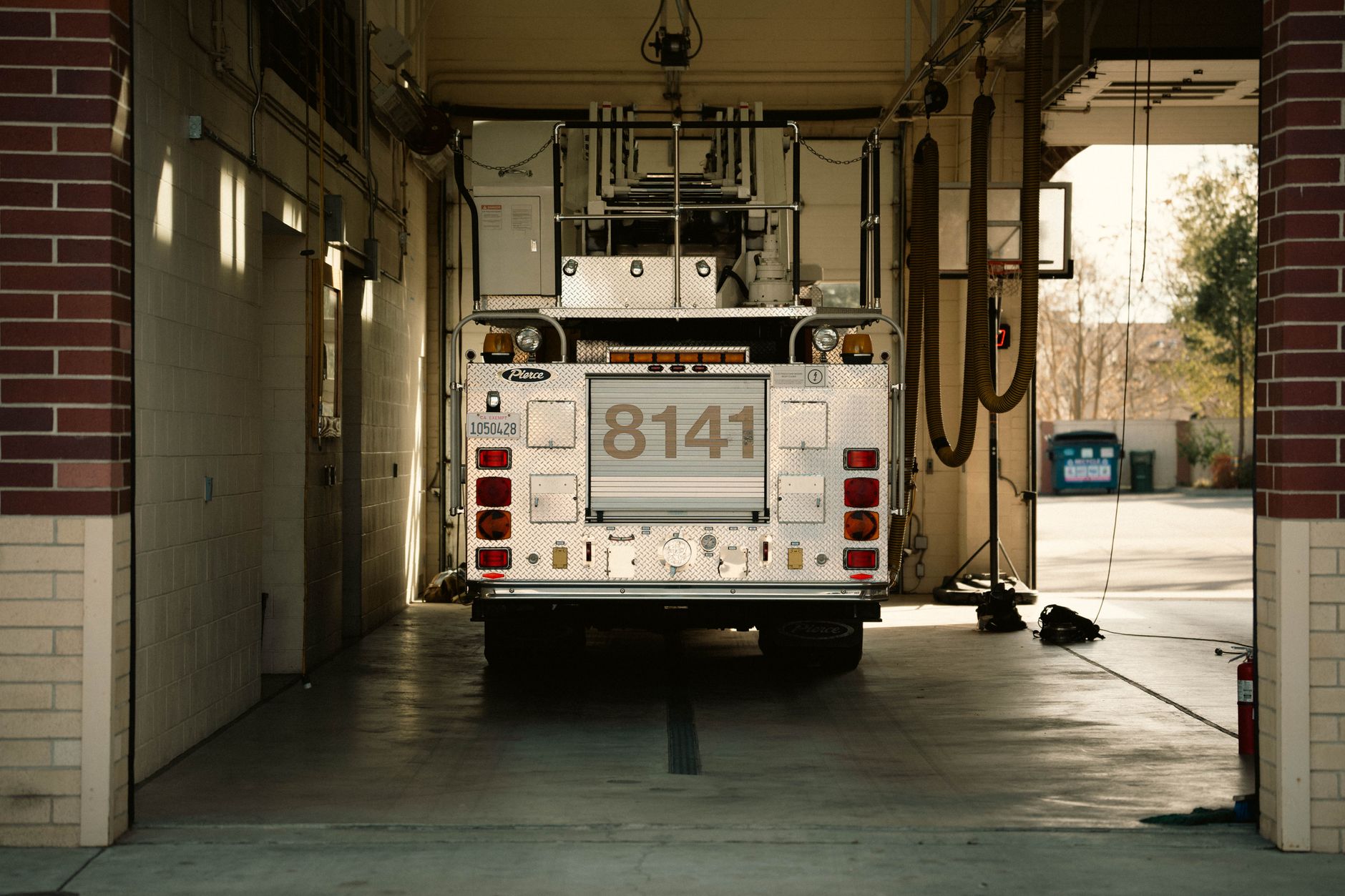
Photo by James Collington on Pexels
Your website has to work for everyone who needs it
Think about who actually visits your fire department's website. A grandmother trying to find the burn permit form. A new resident looking for your non-emergency number after hearing sirens. A volunteer applicant on a cracked phone screen in a parking lot. A reporter checking facts at midnight after a call.
If any of these people hit a page that's confusing, too small to read, or won't load on their phone, you've lost them. Worse, you may have lost a volunteer sign-up, a donation, or a resident's trust right when it mattered.
What "usable by everyone" really means
This isn't about looking modern. It's about function. A site that everyone can use means:
- Text is big enough to read without zooming
- Buttons and forms work with a keyboard, not just a mouse
- Someone using a screen reader because of low vision can still find your burn permit page
- Pages load fast on an older phone with weak signal, not just on a new laptop with fast internet
- Colors have enough contrast that someone with color blindness can still read your alerts
These are the same standards (called WCAG 2.1 AA, if you ever see that term) that many public agencies are expected to meet. But you don't need to know the acronym. You just need the result: nobody gets left out.
The part nobody has time for
Here's the harder truth. Even if your site is built right today, the internet changes underneath it. Security holes get discovered. Phones get new screen sizes. The tools that power your site need updates, sometimes urgently.
On a busy department, nobody has time to babysit a website. Your captain is running calls, not patching a login page. Your admin assistant is juggling reports and payroll, not learning what needs updating this month.
This is exactly where trust breaks down. A site that looked fine for years suddenly stops working, or worse, gets hacked, and nobody notices for weeks because nobody was watching.
Peace of mind means nobody has to watch it
The real fix isn't finding one more volunteer to "own the website." It's having the upkeep handled automatically, by people whose job that is, so your team never thinks about it.
That means:
- Security stays current without anyone requesting it
- The site keeps working when phones and browsers change
- Someone is actually watching, so problems get caught before residents notice
- Updates to your roster, hours, or burn ban status take minutes, not a ticket to a web person who left two years ago
Mainfolk builds fire department and fire protection district websites with this exact promise: everyone on your team should be able to update basic information, and everything else — the security, the technical upkeep, the accessibility — is handled without anyone lifting a finger.
A simple test for your current site
Try this on your own department's website:
- Open it on an old phone or one with a cracked screen. Can you still read everything?
- Try navigating using only the tab key, no mouse. Can you reach the donate button or the volunteer form?
- Ask someone unfamiliar with your department to find your burn permit page in under 30 seconds.
If any of these fail, that's not a design opinion. That's a resident, donor, or future volunteer you're losing right now.
What this is worth
A department that gets this right sees it in small, steady ways: fewer confused phone calls asking questions the website should answer, more completed volunteer applications, donors who trust the site enough to give online, and zero late-night worry about whether the site is secure.
Mainfolk plans start free, and paid plans are one flat monthly price with everything included, no setup fees and no contracts. You can see the details on the pricing page.
Your website should be one less thing to worry about, not one more. When it's built to work for everyone and kept current without anyone on your crew touching it, that's exactly what it becomes.
Free download: grab our fire department website checklist — the short, plain-English list of what your site needs to get found and bring in calls. No cost, no obligation.
Common questions
Do we need someone technical on our department to keep the website secure?
No. With a fully-managed site, the security and technical upkeep are handled for you automatically, so no one on your team needs any technical background.
What does it mean for a website to be usable by everyone?
It means people with low vision, older phones, slow internet, or motor difficulties can still read pages, fill out forms, and find information without getting stuck.
Will our volunteers or admin staff be able to update the site themselves?
Yes, everyday updates like hours, roster changes, or a burn ban notice should take minutes and require no technical skill, while the deeper upkeep runs in the background.