
Fire departments
How Fire Departments Can See Which Pages Bring Calls
· 5 min read
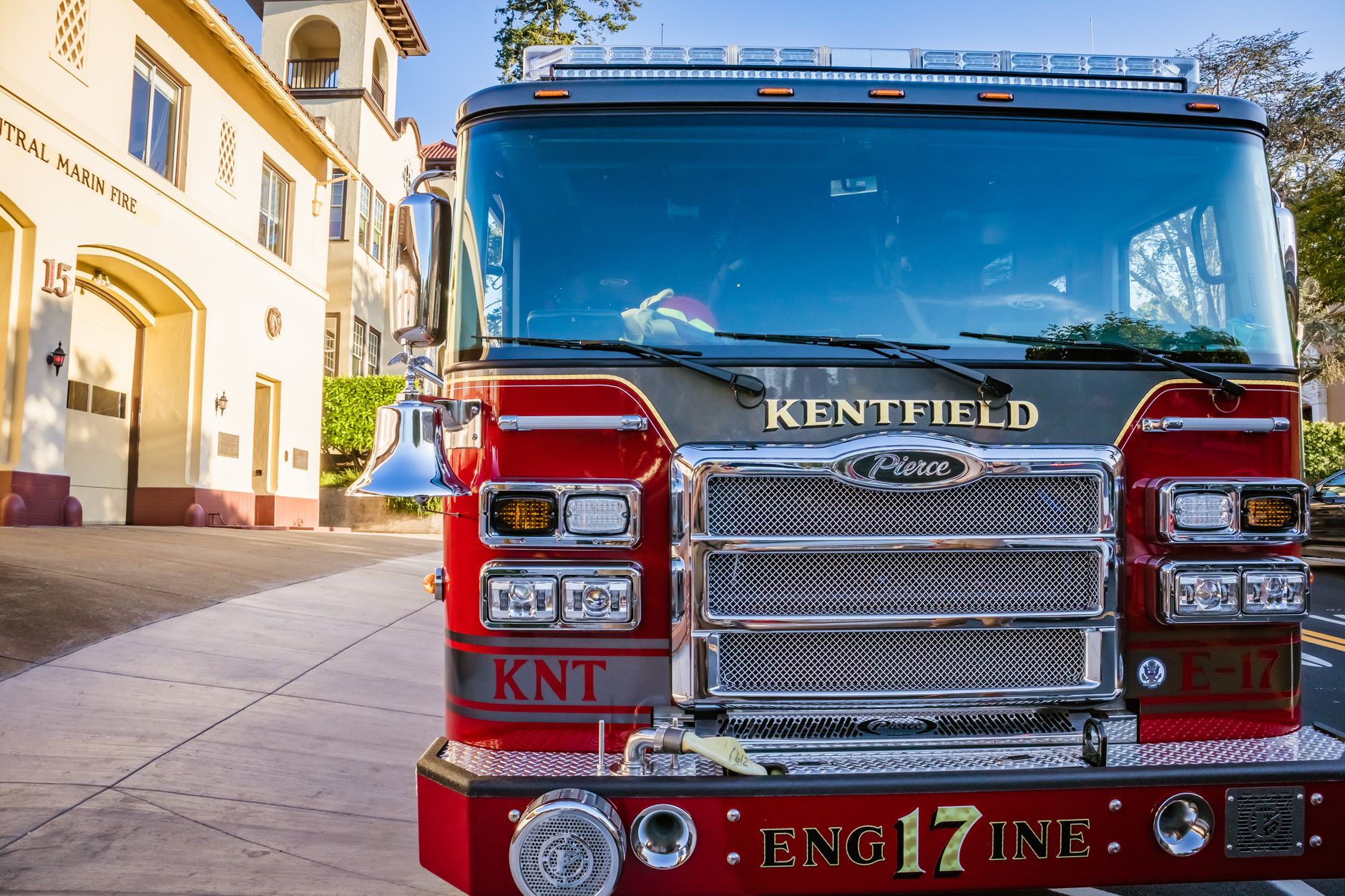
Photo by Robert So on Pexels
Stop guessing which pages matter
If your department website gets a lot of visits but not many calls, meetings, or form fills, the problem may not be traffic. It may be that people are landing on the wrong pages, or the pages that matter most are hard to find.
Simple visitor insights can take the guesswork out of that. Instead of wondering which pages are helping, you can see which ones people use before they call, ask a question, sign up, or look for important details like burn permits, station visits, inspection info, or recruiting pages.
That matters because small changes can lead to real results: more volunteer interest, fewer missed questions, and less time spent arguing over what should go on the homepage.
What to look for first
Start with the pages that should be doing the most work for your department. For most fire departments and fire protection districts, that means:
- Contact and phone number pages
- Volunteer recruitment pages
- Station visit or community event pages
- Burn permit or safety information pages
- News and alert pages
- Forms for inspections, payments, or requests
Once you can see which pages people visit most, the next step is to ask a simple question: does this page help someone take the next step, or does it leave them stuck?
A simple way to spot what is working
Look for pages that get both attention and action. For example, a volunteer page might not be the most visited page on your site, but if it leads to most of your applications, that page is doing important work.
Or your station tour page may be getting more visits after school starts or around community fair season. That tells you when families are looking, which helps you plan outreach at the right time.
On the other hand, if a page gets a lot of visits but no calls or form fills, that is a sign the page may be missing something simple. Maybe the phone number is hard to find. Maybe the next step is unclear. Maybe people are reading it on their phones and need shorter text and a bigger button.
Examples of useful patterns
- If the recruitment page spikes after a Facebook post, you know that message is worth repeating.
- If the contact page gets more visits than expected, people may be having trouble finding your main number elsewhere.
- If burn permit information gets many visits after a dry stretch, you can place that link in a more visible spot before the next dry season.
- If a news post brings visitors to your site, you may want to add a clear next step at the end of it.
How this helps a busy department
Most fire departments do not have time to study reports for hours. You need a quick answer: what should we keep, what should we fix, and what should we put in front of people sooner?
That is why built-in visitor insights are so useful. When the information is already there, you do not need to install anything or ask someone to set up a separate tracking tool. You can check the numbers in a few minutes and use them to make better choices.
For a volunteer department, this can help you bring in more people by improving the pages that matter most to new recruits. For a career department or district, it can help you reduce repeat calls about basic questions by making the right information easier to find.
When you can see which pages lead to calls and visits, you can spend less time guessing and more time improving the pages that actually help your community.
What to change after you learn the pattern
Once you know which pages are working, focus on small fixes that help people act faster:
- Put the main phone number where it is easy to see on every important page.
- Use clear page titles, like “Volunteer With Us” instead of vague wording.
- Move the most important items higher on the page.
- Keep forms short and simple.
- Add a clear next step at the end of pages that get traffic.
- Make sure key pages are easy to read on a phone.
These are not big projects. They are practical changes that can lead to more calls, more applications, and fewer lost chances.
Making the site work without adding more work
If your department has relied on people piecing together web updates in spare moments, it can be hard to keep track of what is helping. That is where a managed service can make a difference. Mainfolk builds and keeps department sites updated so the useful parts stay visible without turning website work into another duty for staff or volunteers.
If you want a starting point for a fire department website, look for a setup that helps you see what people are doing, not just how many people visited. The goal is simple: use real visitor behavior to make better decisions, answer common questions sooner, and guide more people to the right next step.
For departments that want everything included for one flat price, Mainfolk’s plans are public and simple, with free and paid options starting at one flat monthly price.
Questions worth asking every month
Try reviewing just three things each month:
- Which page brought the most useful visits?
- Which page led to the most calls or form fills?
- Which important page gets traffic but does not lead anywhere?
If you can answer those three questions, you will already be making better choices than guesswork allows.
Free download: grab our fire department website checklist — the short, plain-English list of what your site needs to get found and bring in calls. No cost, no obligation.
Common questions
What visitor insights should a fire department pay attention to first?
Start with the pages that should lead to action, like volunteer recruitment, contact, burn permit, and event pages. Those tell you whether people are finding the information they need and taking the next step.
Do we need extra tools to see which pages are working?
No. Built-in visitor insights can show the useful patterns without anything to install or manage. That makes it easier for busy departments to check what is helping and what needs work.
How can this help with recruiting volunteers?
If you can see which pages people visit before applying or asking questions, you can improve those pages and repeat what works. That can lead to more interest from people who are already considering joining.