
Fire departments
How Fire Departments Get Quoted Right by AI Assistants
· 6 min read
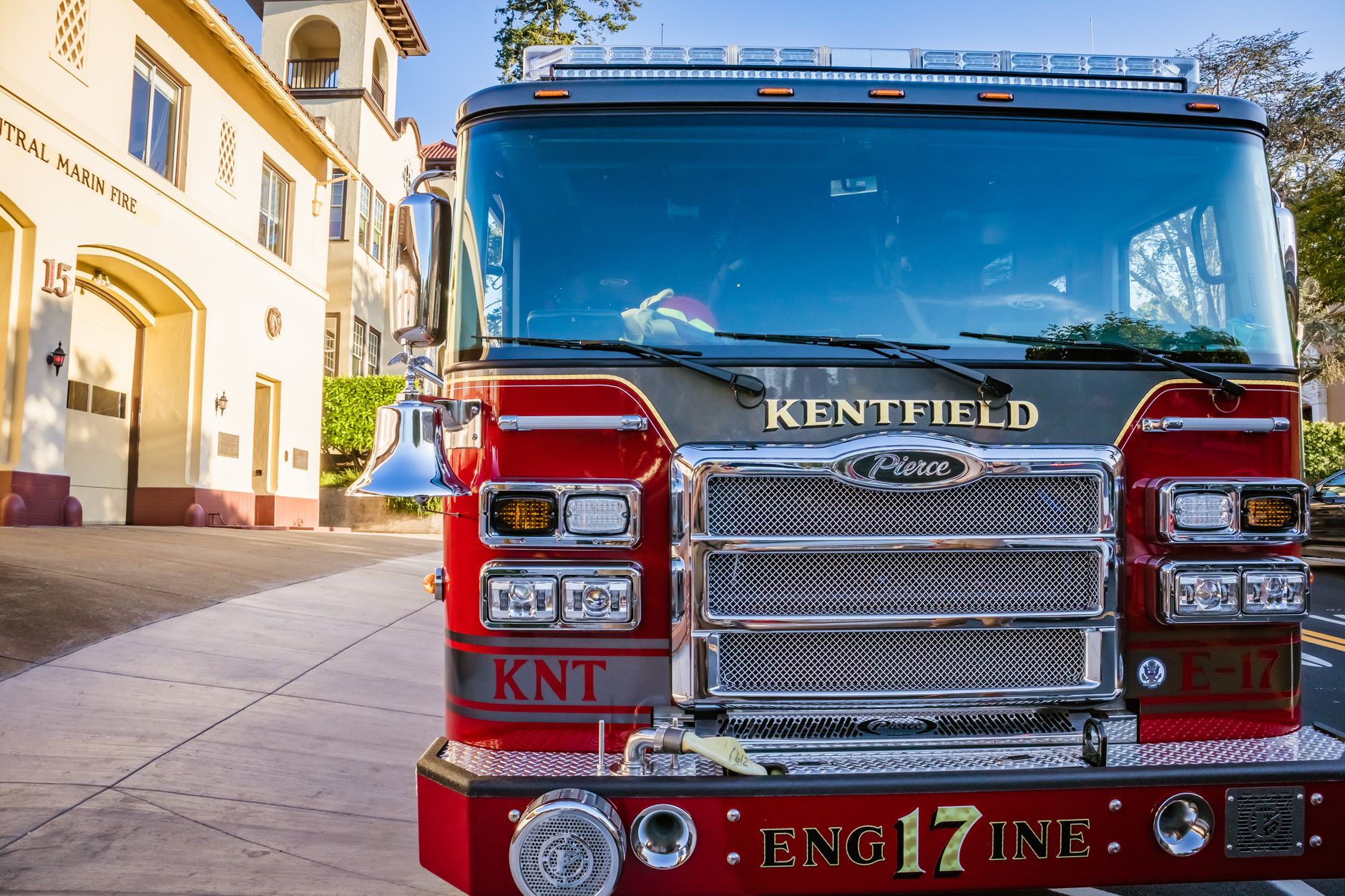
Photo by Robert So on Pexels
Why this matters for your department
More people are asking their phone or a chat tool for the nearest fire department, burn permit rules, station numbers, inspection forms, or who covers a certain area. If the answer is unclear, they may call the wrong number, miss an open house, or give up and try somewhere else.
The good news is that you do not need a big site or fancy writing to make this easier. A few clear pages, written in plain language, can help an AI assistant quote your department accurately and send people to the right place the first time.
That means fewer wrong calls, fewer repeated questions, and better chances that a resident, business owner, or neighboring agency gets the right information quickly.
Start with the questions people actually ask
AI assistants work better when your site answers the same questions a person would ask at the front desk. For fire departments, those questions are usually simple and specific:
- What is your service area?
- What number do I call for the station?
- How do I request an inspection?
- Do you issue burn permits?
- When are public visits or station tours?
- How do I join as a volunteer or apply for a job?
Write each answer in one clear place on your site. Do not bury important details in a PDF if a plain page will do. If someone asks, “Which fire department covers rural Johnson Township?” an assistant can only answer well if your site says that plainly.
Use exact names, exact numbers, and exact areas
This is the biggest way to help AI quote you correctly. Use the same name for your department everywhere on your site. If you are the Maple Grove Fire Protection District, do not also call yourself Maple Grove Fire Department on some pages and Maple Grove Fire District on others unless that is truly how you are known.
Do the same for your address, main phone number, station hours, and district boundaries. If you serve multiple towns, list them clearly. If you only cover part of a township, say that plainly. If you share services with a neighboring district, explain the relationship in a sentence or two.
AI assistants tend to do better when the facts are easy to lift straight from the page. They do worse when they have to guess which number is current or which town is covered.
Make one page the source for the basics
Every department should have one page that answers the main questions in a clean, steady format. Think of it as the page that should be easy for any tool, resident, or reporter to quote without confusion.
A helpful page usually includes:
- Department name
- Main phone number
- Station address
- Service area
- Hours or office times
- How to request inspections or records
- How to report a concern
Keep that page current. When the office number changes, update it everywhere. When a station closes early for training or a holiday, make that clear. Small details matter because people often ask for help when they are stressed and need the right answer fast.
Write in the same words residents use
People do not always search the way departments write. A resident may say “fire permit,” “burn permit,” or “open burning rules” depending on where they live. A business owner may ask for “fire inspection” when they mean a life-safety review. A parent may ask about “station tours” instead of “community outreach.”
Include the plain-language version of each service on the page. That does not mean making the page longer than it needs to be. It means using the common wording people are likely to ask for.
For example:
“Open burning permits are issued by the fire district office Monday through Friday, 8 a.m. to 4 p.m.”
That sentence is easy for a person to understand and easy for an AI assistant to quote without turning it into something else.
Keep forms and PDFs from being the only place with the answer
If a resident must open a form just to find a phone number, address, or deadline, the site is making them work too hard. AI tools also have a harder time pulling details from forms and scanned documents than from a clear page with plain text.
Use forms for forms. Use a page for the facts. If you have a burn permit form, add a short page that explains who needs it, when it applies, and who to call with questions. If you have a volunteer application, add a page that says what the steps are and how long the process usually takes.
This small change can save your staff time because people arrive with better information and fewer “I couldn’t find it” calls.
Show who to call for what
Departments often lose time because the right contact is not obvious. Make the call path simple. If one number is for station business, one for non-emergency questions, and one for emergencies, say that clearly.
- Emergency: call 911
- Station office: call the main number
- Inspections: contact the fire marshal or designated staff member
- Volunteer questions: contact the recruitment lead
When an assistant sees those roles spelled out, it is more likely to point people to the right place instead of guessing.
Keep the site current after every change
AI answers are only as good as the information on your site. If you move an office, change a meeting time, or update burn rules, fix the site right away. The same goes for seasonal changes like drought restrictions or holiday office hours.
If keeping up with those updates is hard, that is exactly where a service like Mainfolk can help. For a fire department website built for public service, the goal is to keep the important details accurate without adding work for your staff.
If your department has a lot of public questions, even a small amount of upkeep can protect your time. It also helps residents trust that the information they found is current.
A simple checklist you can use this week
- Pick one page that should answer the most common questions.
- Check that your department name, address, and phone number are written the same way everywhere.
- Add plain-language lines for service area, permits, inspections, and volunteer questions.
- Make sure each form also has a short explanation page.
- Review holiday hours, burn rules, and meeting times.
- Ask a neighbor to read the page and tell you if anything is confusing.
If a person can find the right answer in one minute, an AI assistant has a much better chance of quoting you correctly. That is the real win: fewer wrong turns, fewer missed calls, and a public that gets the right information faster.
Free download: grab our fire department website checklist — the short, plain-English list of what your site needs to get found and bring in calls. No cost, no obligation.
Common questions
What information helps an AI assistant quote our fire department correctly?
Your exact department name, phone number, address, service area, and the page that explains permits, inspections, and volunteer questions. Clear plain text works better than buried details.
Do we need a lot of pages for this to work?
No. One strong page with the basics and a few clear service pages is often enough. The key is keeping the facts current and easy to read.
How often should we review our website details?
Review them any time your phone number, office hours, burn rules, or service area changes. A quick check after each update helps prevent wrong answers.