
Churches
How Churches Get Found by Nearby People Searching Online
· 5 min read
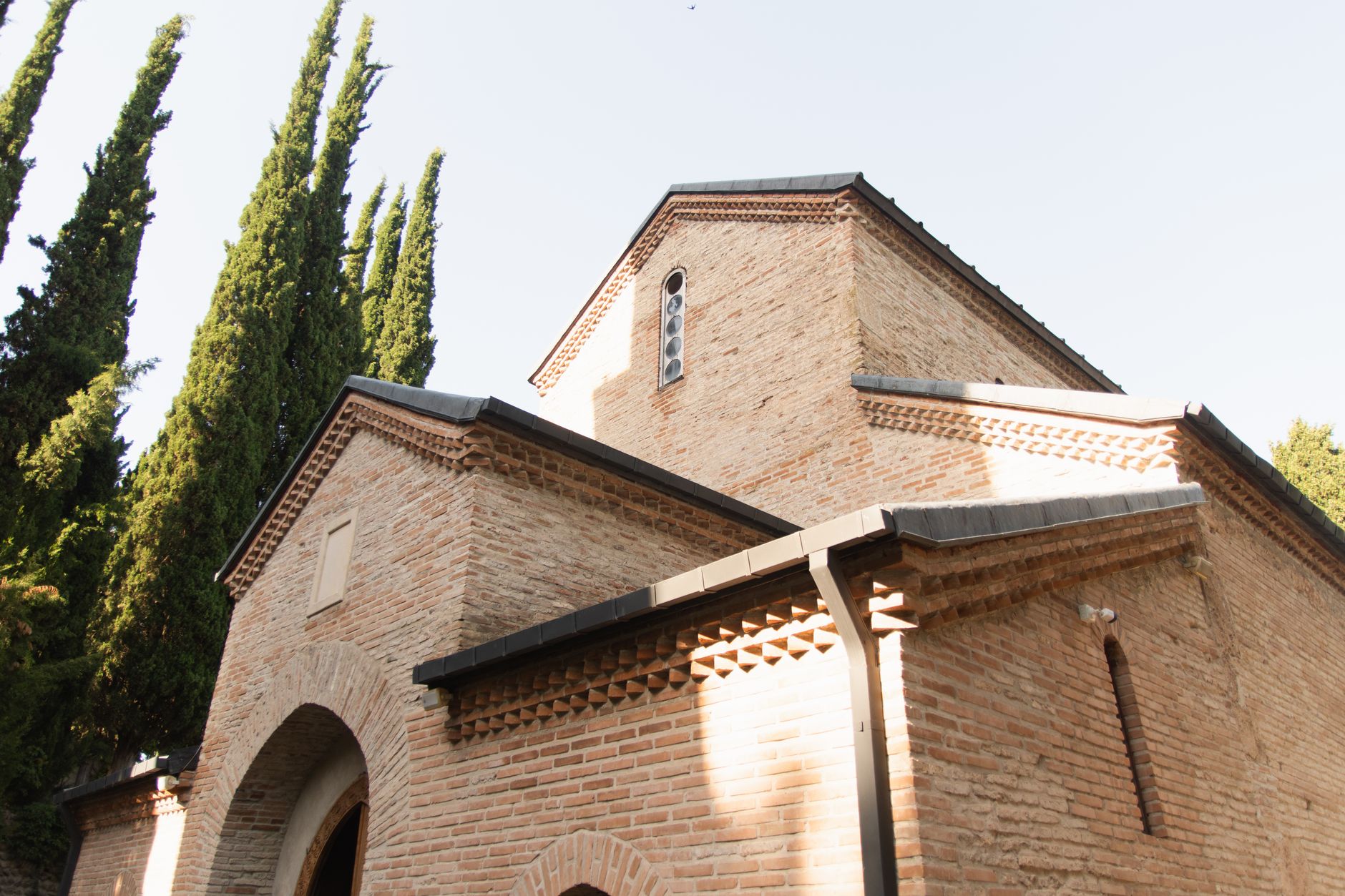
Photo by Алексей Вечерин on Pexels
Help nearby people find your church when they are ready to visit
When someone in your town is looking for a church, they usually want a few simple things fast: service times, your address, what to expect, and whether there is a place for their family. If they can find that right away, they are much more likely to visit.
That is what local search is really about. It is not about being flashy. It is about making it easy for a person nearby to discover your church, trust what they see, and take the next step.
Think about the question people are actually asking
Most people do not type long questions into a search box. They ask things like:
- “church near me”
- “Sunday service time”
- “church with kids ministry”
- “Bible study in [town name]”
If your website clearly answers those questions, you give people a reason to choose your church over the one down the road. A church website from Mainfolk for churches and ministries is built around those everyday questions so visitors can find the basics without digging.
Make the first screen do the heavy lifting
When someone lands on your site, the top of the page should answer the main questions at a glance. That means:
- your church name
- service times
- address or a clear “find us” link
- a short line about who you are
- a clear next step, such as “plan a visit” or “watch a recent message”
If people have to hunt for those details, many will leave and keep looking. A simple page saves time for them and helps your church keep more of the people who were already interested.
Use the same words people use in town
Local search works better when your site sounds like the way real people talk. If your community knows you as “Grace Church on Main” or “the church by the high school,” make sure those details appear naturally on your site. Include your town name in places that matter, such as your home page, directions page, and contact page.
This helps a person searching from their phone connect the name they heard from a friend with the church they are trying to find. It also makes it easier for search tools to match your church with local questions.
Keep your service times and directions easy to trust
Nothing hurts trust faster than outdated information. If your service time changed, your address is missing, or your holiday schedule is buried on a page from last year, people may assume the rest of your site is out of date too.
That is why the most useful church websites keep the basics fresh:
- service times
- holiday changes
- parking notes
- kids check-in information
- contact details
For many churches, this is the difference between a visitor showing up confidently and staying home because they were not sure.
Show what a first visit feels like
People who are new to church often have quiet questions they may not say out loud. Will they know where to park? What should they wear? Is there something for children? Will they feel welcome?
A short “What to expect” page can answer those concerns and help someone move from curiosity to action. This kind of page is especially helpful for guests who found you through search and are deciding whether to visit this Sunday.
Use a few clear pages instead of one crowded one
A good church website does not need a lot of pages. It needs the right pages. Start with:
- Home
- About
- Plan a Visit
- Messages or Sermons
- Kids and Students
- Contact and Directions
That small set covers what most local visitors want to know. It also gives search tools more clear answers to work with, which helps your church show up for the right kind of searches.
Keep the site easy on phones
Many people looking for a church are doing it on a phone while sitting in a parking lot, driving by, or talking with a friend after work. If your site is hard to read or slow to load, they may never get to the service times.
That is why Mainfolk focuses on church websites that are easy to use on phones, simple to read, and kept up to date. For a ministry, that can mean fewer missed visits and more people making it through the door.
One simple checklist for better local search
If you want to improve how your church is found online, start here:
- Put service times near the top of the home page.
- Add your town name in plain language.
- Keep directions and contact details current.
- Write a short “What to expect” page.
- Make sure the site works well on a phone.
- Update holiday and special service times quickly.
These are small things, but they have a real effect. They help the right people find you, trust you, and visit without confusion.
For a church, being found online is not about getting attention. It is about being easy to find when someone nearby is looking for hope, community, or a place to belong.
If your website makes those first steps clear, it can do a quiet but important job every week: helping local people take the next step toward your church.
Free download: grab our church website checklist — the short, plain-English list of what your site needs to get found and bring in calls. No cost, no obligation.
Common questions
How does local search help a church get more visitors?
It helps nearby people find your service times, address, and welcome message quickly. When those details are easy to see, more people are willing to visit.
What should a church website show first?
Put service times, directions, and a short description of who you are near the top. That gives first-time visitors the answers they need right away.
Do small churches need a lot of pages to be found online?
No. A few clear pages with up-to-date details are often enough. What matters most is that the right information is easy to find and read.