
Police departments
How Police Departments Can See Which Pages Bring Calls
· 5 min read
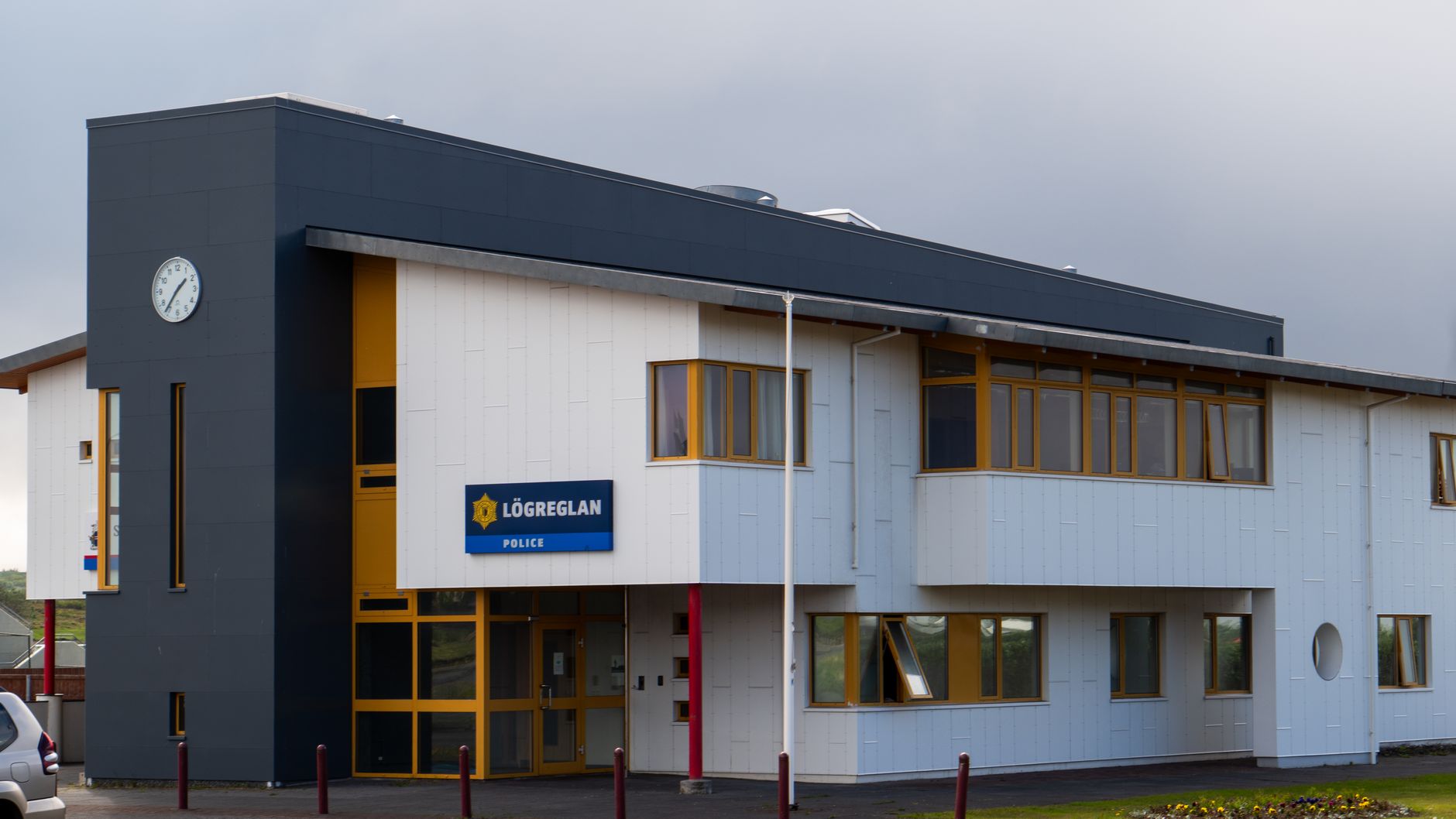
Photo by Zak Mir on Pexels
Know what is working without guessing
If people call your department, find directions, or complete a form after visiting your site, you should be able to see that clearly. The point is not to collect numbers for their own sake. The point is to know which pages help residents get the help they need, so your team can spend time on what actually works.
For a police department or sheriff’s office, that can mean the difference between a page that quietly helps people every day and a page that looks fine but never gets used. When you can see which pages bring calls and visits, you can make better choices about what to keep, what to improve, and what to move to the front of the site.
This is especially useful for common tasks like:
- finding the main phone number
- seeing hours or office location
- reporting a non-emergency issue
- reading about records requests
- getting forms for permits, reports, or public information
What simple visitor insights should show
You do not need a complicated report to make better decisions. A useful view should answer a few plain questions:
- Which pages get the most visits
- Which pages lead people to call
- Which pages lead people to a contact form
- Which pages people leave quickly
- Which pages are more popular on phones
That is enough to spot patterns. For example, if your jail information page gets a lot of visits but few people reach the phone number, the page may be burying the most important details. If your community events page gets steady traffic, that tells you residents are looking for a way to connect with your office.
Mainfolk includes this kind of insight built in, so there is nothing to install and nothing extra for staff to manage. That matters when your team is already busy and does not have time to chase down another tool.
Three practical examples for a law enforcement site
1. The records request page gets more visits than expected
If your records page is getting more attention than your home page, that is a sign people are trying to solve a specific problem. You may want to move the phone number, office hours, and required forms higher on the page so people do not have to hunt for them.
That can reduce repeat calls and help residents finish the request faster.
2. The contact page gets calls, but the phone number is hard to find
If the contact page shows strong use but calls are lower than expected, the page may be making people work too hard. A clear phone number near the top, along with emergency and non-emergency guidance, can make a real difference.
In a department that handles a lot of routine questions, a small change like this can save staff time every week.
3. Community pages bring traffic after local events
Maybe your event page or community meeting page gets a burst of visits after a neighborhood meeting, school visit, or safety fair. That tells you people are looking for a simple next step, such as signing up for updates, finding a neighborhood contact, or learning about programs.
When you know which pages bring that interest, you can plan future updates around them instead of assuming.
How to use the information in weekly decisions
The most useful visitor insights are the ones you actually act on. A short weekly review can help your department stay focused without adding more work.
- Look at the top visited pages.
- Check which pages lead to calls or form submissions.
- Compare those pages with the ones you expected people to use.
- Choose one small improvement for the next week.
That might mean moving a phone number higher, shortening a page, adding a clearer heading, or linking a high-use page from the home page. Small changes matter when residents are trying to reach the right person quickly.
Good decisions come from seeing what residents actually use, not what you think they use.
Why this matters for public service
Police websites are not just for showing information. They are there to help people take the next step. Some people are in a hurry. Some are upset. Some are calling after hours from a phone in their hand. If your site makes it easier for them to get the right answer, that is a real service.
Visitor insights help you protect that service. They show whether important pages are doing their job, whether visitors can find what they need, and where you may be losing people along the way. That means less guessing, fewer missed chances, and better use of staff time.
If your department wants a site that is easy to keep current and easy to understand, police department websites built for public safety agencies can include these insights from the start. Mainfolk does that so departments can focus on serving the public, not sorting through guesswork.
What to look for next
Start with the pages that matter most to the public: contact, records, services, forms, and location. If those pages are doing well, you will usually see it in the calls, visits, and completed forms they produce. If they are not, the numbers will point you toward the fix.
That is the real value of simple visitor insights. They give your department a clear picture of what is helping people today, so tomorrow’s updates can be based on facts instead of assumptions.
Free download: grab our police department website checklist — the short, plain-English list of what your site needs to get found and bring in calls. No cost, no obligation.
Common questions
What pages should a police department watch first?
Start with contact, records requests, services, forms, and location. Those pages usually have the most direct impact on calls and visits.
Do we need extra tools to see visitor insights?
No. The useful information should be built in and easy to read, so staff can review it without adding more work.
How can visitor insights help a sheriff’s office?
They show which pages lead people to call, visit, or submit a form, so you can improve the pages that matter most and reduce confusion.