
Police departments
Why Your Police Department Website Must Load Instantly on Phones
· 5 min read
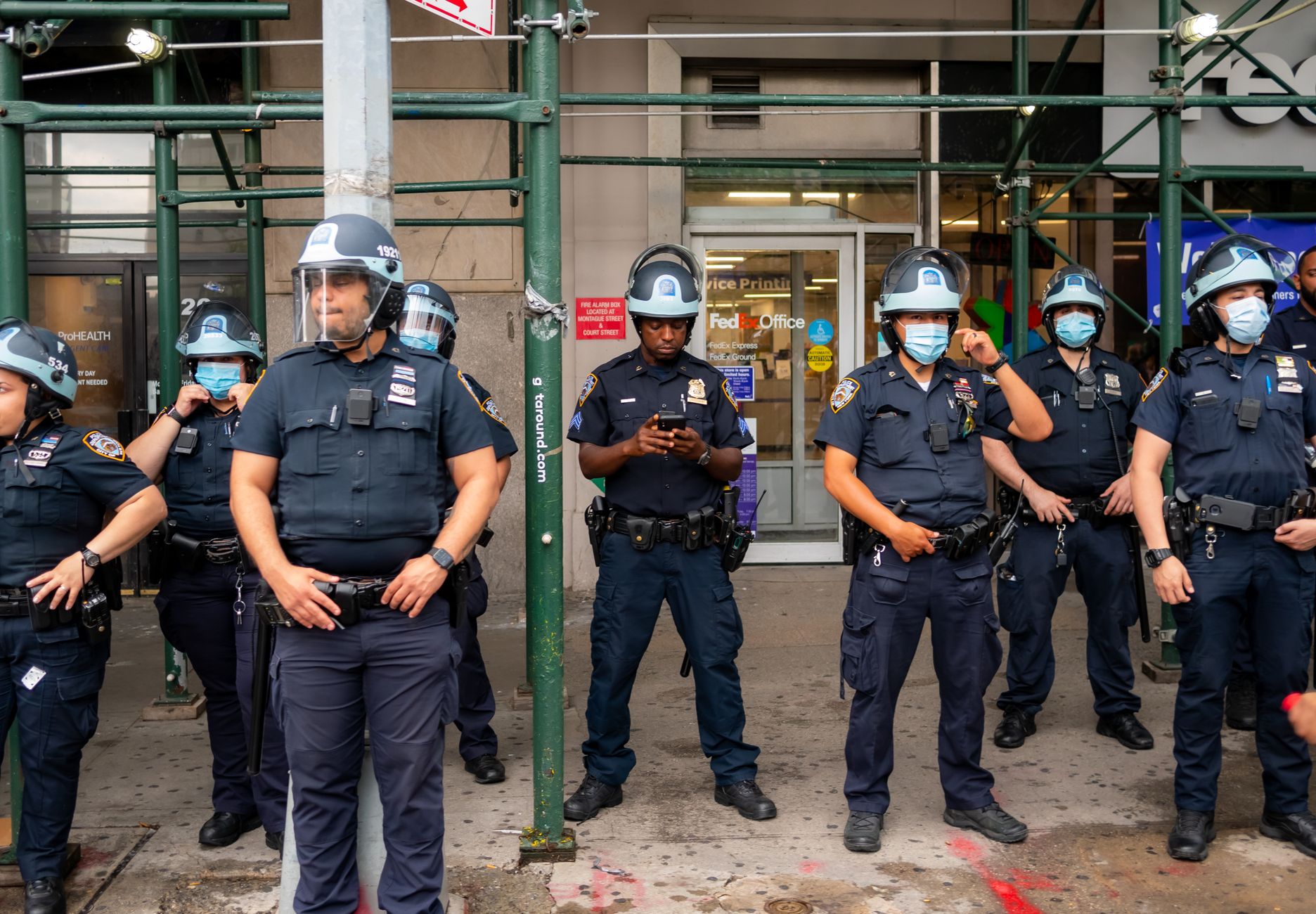
Photo by Joshua Santos on Pexels
Imagine a resident standing on a street corner late at night. They notice a broken streetlight near a park, or perhaps they need to report a minor incident that happened hours earlier. They pull out their phone, type in your agency’s name, and wait. If your website takes ten seconds to load on a weak cell signal, or if the text is so small they have to pinch and zoom just to find a non-emergency phone number, what happens next?
In many cases, that resident gets frustrated and gives up. Worse, some might press 911 for a non-urgent question simply because they could not quickly find the right office number on their screen. A fast, phone-friendly website is not just a nice feature for a public safety agency—it is an essential line of communication with the community you protect.
The High Cost of a Slow Mobile Experience
When someone visits a police department or sheriff's office site from a smartphone, they are rarely browsing for entertainment. They are usually looking for immediate answers: How do I request a police report? Where do I pay a traffic citation? What is the phone number for non-emergency dispatch? Is the main road still blocked after this afternoon's storm?
When a site is slow or hard to use on mobile devices, three distinct problems happen immediately:
- Increased pressure on dispatch: When people cannot quickly find non-emergency contact numbers on a mobile screen, they default to dialing 911. This ties up telecommunicators who should be handling urgent emergencies.
- Erosion of public trust: Residents expect clear communication from local government. A site that breaks on a phone screen can quietly make an agency appear hard to reach or unresponsive.
- Missed community tips: Whether you are asking for information on a recent case or sharing weather updates, delay creates drop-off. If an online tip form is frustrating to complete on a phone, residents often move on without sharing what they saw.
What Makes a Public Safety Site Fast on Phones?
Building a reliable experience for mobile visitors comes down to clear organization and practical design. When public safety pages are designed for small screens, critical details appear instantly, even when a resident has only one bar of cell service.
1. Essential Contacts Right at the Top
The top of your home screen should instantly answer the most common question: Who do I call right now? Your non-emergency dispatch number, records office hours, and station address should be clear without scrolling. Phone numbers should be tap-to-call links so visitors can touch the screen and dial immediately.
2. Lightweight Pages and Simple Text
High-resolution photos of fleet vehicles or large document downloads look fine on a desktop computer, but they can slow down a smartphone connection dramatically. Keeping images sized properly and using clear text on the page rather than relying on attached files keeps pages moving quickly.
3. Accessibility for Every Resident
Speed is not only about how fast pages load; it is also about how fast a person can read the information. Large fonts, strong color contrast, and simple layout choices help older residents and visitors with visual impairments find what they need in seconds. Making pages easy for everyone to read ensures compliance with modern accessibility standards while helping every single visitor.
Focusing on Safety Instead of Web Maintenance
Most police departments and sheriff’s offices do not have dedicated web teams. Public information officers and administrative staff are already juggling record requests, community outreach, and daily operations. Expecting department personnel to fix mobile layouts or troubleshoot broken links takes time away from serving the public.
That is why modern public safety organizations rely on turnkey services. At Mainfolk, we build and manage police department websites that load fast on any phone, look sharp on every screen, and remain easy to navigate. We handle all the technical upkeep, security, and content updates so your staff can focus on public safety.
Getting a high-performing site does not require a massive budget or technical headache. Mainfolk offers a fully managed service where everything is included for one flat price—plans start free, with paid options like Launch ($15/month) and Pro ($29/month) providing complete peace of mind without contracts or unexpected costs.
Checking Your Department's Mobile Readiness
You can test your department’s phone experience in under two minutes today. Take out your smartphone, turn off Wi-Fi so you are using cellular data, and visit your agency's site. Ask yourself three basic questions:
- Does the main page load in under three seconds?
- Can you tap the non-emergency phone number directly to place a call?
- Can you find records request information easily without zooming in?
When your agency's online presence works seamlessly on phones, you reduce unnecessary phone traffic, save administrative time, and build a stronger, safer connection with the community you serve every day.
Free download: grab our police department website checklist — the short, plain-English list of what your site needs to get found and bring in calls. No cost, no obligation.
Common questions
Why is website speed so important for a police department?
Fast mobile pages help residents quickly find non-emergency numbers and public safety alerts, reducing unnecessary 911 calls and improving public trust.
How does a mobile-friendly site help our dispatch center?
When non-emergency phone numbers and record request forms are easy to tap and read on smartphones, residents call the correct department directly instead of dialing emergency lines.