
Cities & villages
How Residents Actually Find Your Village or City Online
· 4 min read
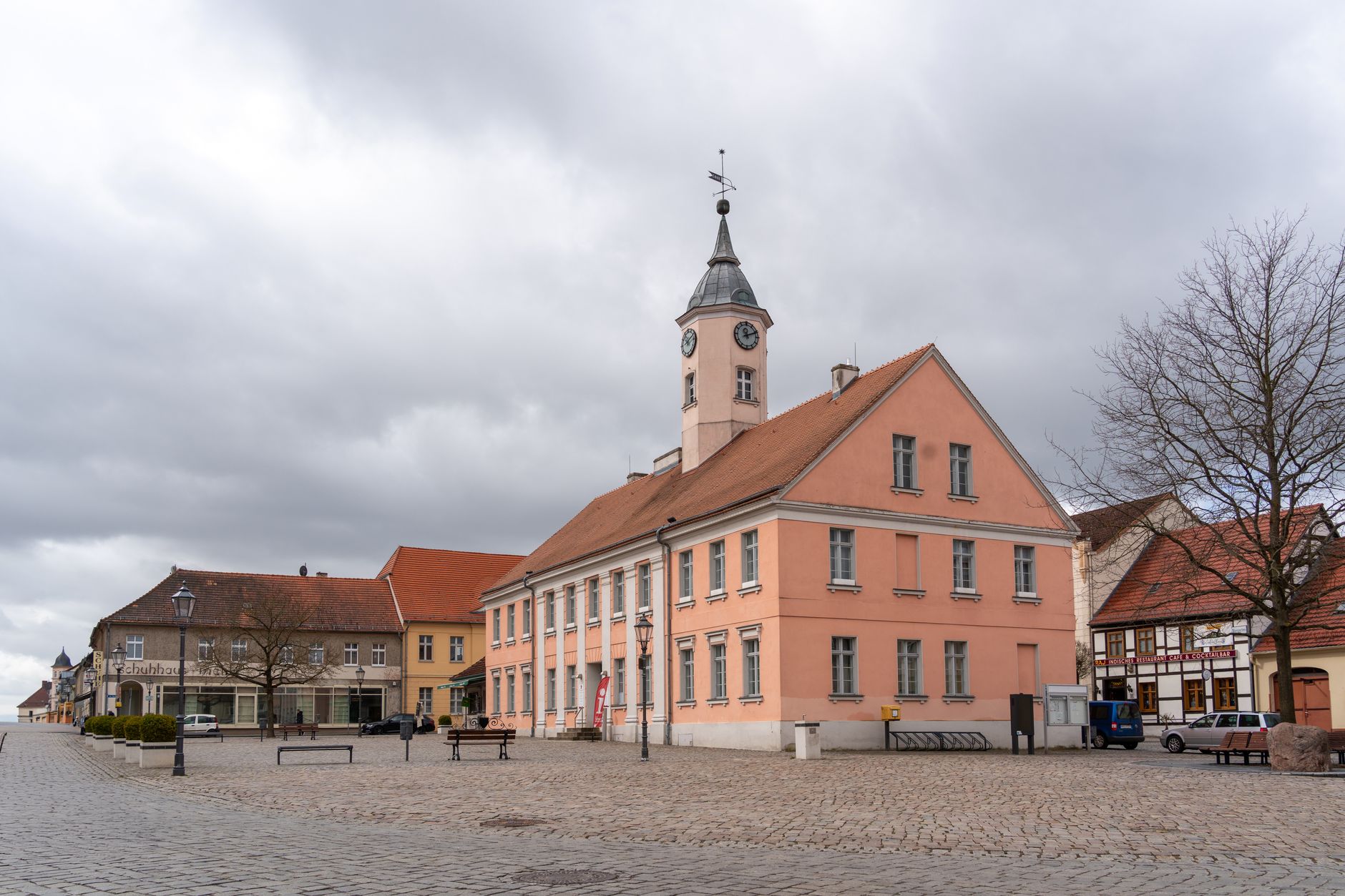
Photo by Gundula Vogel on Pexels
A resident wakes up, notices the trash truck hasn't come by, and grabs their phone. They type something like "trash pickup schedule" plus the name of your town. What happens next decides whether they find your answer in ten seconds or give up and call the office instead.
That one moment repeats itself hundreds of times a week in every town. Someone wants to know about a burn permit, a zoning meeting, a water bill, or a road closure. How well your website answers that moment affects how many phone calls your staff fields, how many people show up informed to a meeting, and how residents feel about their local government.
What "being found" really means for a town
People rarely search for your town's name alone. They search for a task: "pay water bill [town name]," "burn permit rules," "village board meeting agenda," "snow parking ban." Search engines and voice assistants try to match that question with a page that gives a clear, direct answer.
If your website has a page titled "Water Bill Payment" with plain instructions, that page can show up for the exact question a resident is asking. If the same information is buried three folders deep with no clear title, it may never surface at all.
Simple things that make the biggest difference
You do not need technical skill to improve this. A few plain habits go a long way:
- Name pages the way people ask questions. "Trash and Recycling Schedule" beats "Sanitation Services Info."
- Keep your town name and basic address visible on every page, especially the homepage and contact page. This helps search engines and AI assistants confirm you are the right local answer.
- Update seasonal information right away. Snow bans, leaf pickup, pool hours, tax deadlines. Outdated pages quietly lose trust with both residents and search engines.
- Make phone numbers and hours easy to find without digging through a PDF. Many searches happen on a phone, often in a hurry.
- Write a short, clear answer at the top of each page before any extra detail. Assistants and search engines favor pages that answer the question plainly in the first few lines.
A real example: the burn permit page
Say a resident wants to know if they can burn leaves this weekend. If your permit page starts with a long ordinance quote, they may leave without an answer and call your office instead. If it starts with, "Burn permits are required from April through October. Apply here or call the fire department at [number]," they get their answer immediately, and your staff gets one less phone call.
Small wording changes like this, across dozens of pages, add up to real time saved for both residents and staff.
Why this matters for trust, not just traffic
When people can find clear answers quickly, they trust that local government is organized and responsive. When they hit a dead page, an old PDF from three years ago, or no mobile-friendly layout at all, it reflects on the town, even if the information technically exists somewhere.
This is part of why more towns are moving toward municipal websites built specifically for cities, villages, and townships, kept current without needing someone on staff to manage technical details. A site that stays accurate and easy to search protects the time of your clerk's office as much as it helps residents.
A quick check you can do today
Open your phone and search for three things residents commonly ask about: trash day, a permit, and your next public meeting. See how fast and clearly you get an answer. If it takes more than two taps, that is exactly what a resident will experience too.
The goal is not to rank for keywords. The goal is that a resident asking a real question gets a real answer without calling the office.
Small, steady improvements like these are also part of what a well-kept town website should quietly handle in the background, so your staff can focus on the town itself rather than the website.
Free download: grab our city or village website checklist — the short, plain-English list of what your site needs to get found and bring in calls. No cost, no obligation.
Common questions
Do we need someone technical on staff to improve this?
No. Clear page titles, up-to-date information, and plain answers at the top of each page make the biggest difference, and none of that requires technical skill.
Why do residents still call instead of using the website?
Usually because the information is hard to find or outdated, so clear, current pages with direct answers reduce those calls naturally.
How often should we update seasonal pages like snow bans or tax deadlines?
As soon as the date or rule changes, ideally the same day, since outdated pages quickly lose residents' trust.