
Fire departments
How Fire Departments Can Be Found by AI Assistants
· 5 min read
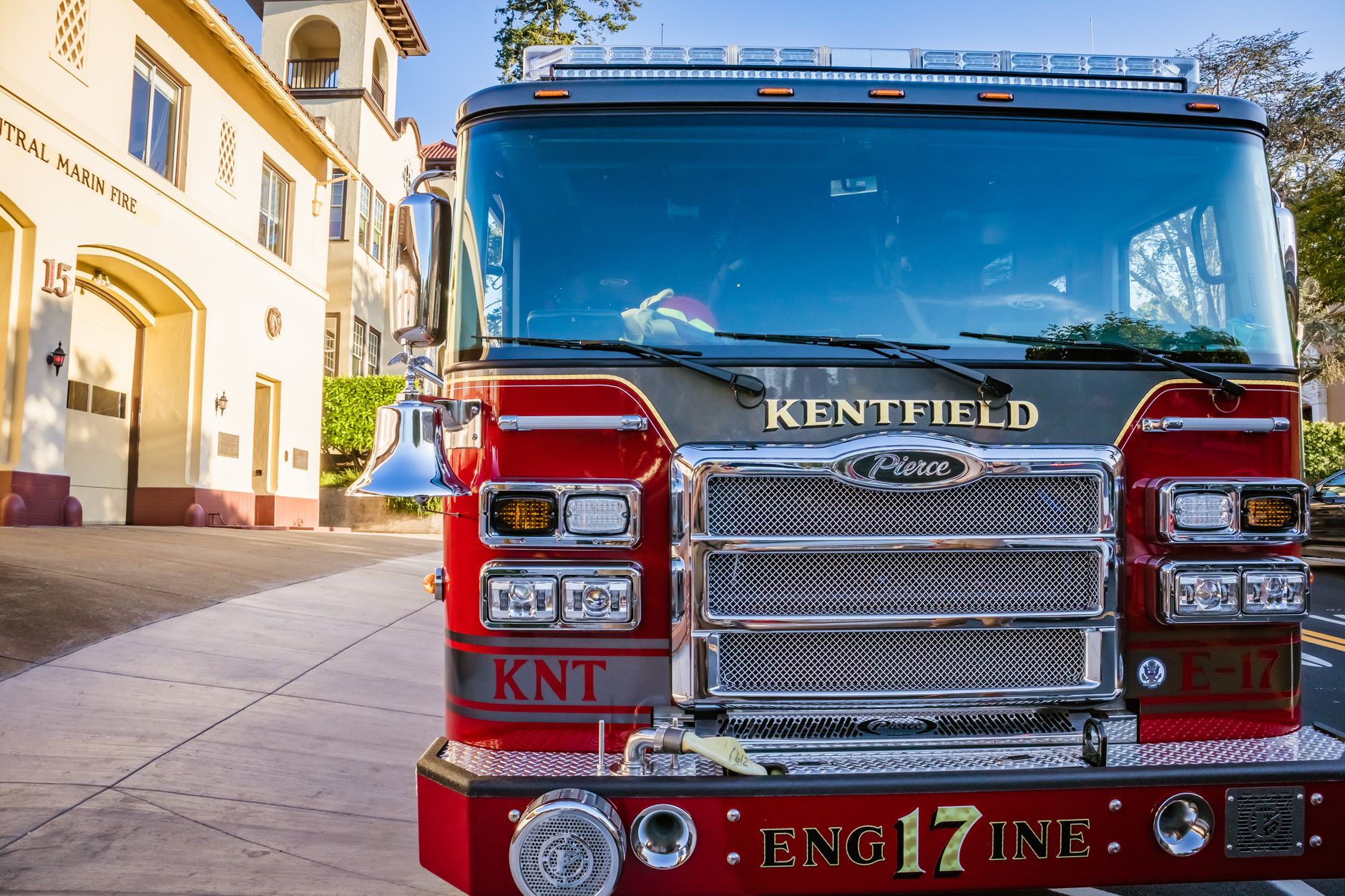
Photo by Robert So on Pexels
Get picked up accurately when someone asks for help
More people are asking their phone or an AI assistant things like, “Who handles fire protection in my area?” or “What is the non-emergency number for the fire department near me?” If your website answers those questions clearly, you are more likely to be named correctly and fewer people will get the wrong number, the wrong district, or the wrong service area.
For a fire department or fire protection district, that means fewer missed calls, fewer confused residents, and less time spent correcting basic information. It also helps new homeowners, business owners, and event planners find the right place faster.
Start with the questions people actually ask
AI assistants usually do better when your site uses plain, direct language. Think about the most common questions your community asks and make sure the answers are easy to find on your site.
- What area do you serve?
- What is your main phone number?
- When should someone call 911, and when should they call the station?
- Do you offer fire inspections or station tours?
- How do people request records, permits, or public information?
If these details are buried in a long page or scattered across several places, an AI tool may leave them out or get them wrong. A clear page on a fire department website gives those tools a better chance to quote you accurately.
Use the exact words people are likely to ask
Don’t make visitors translate your terms. If people in your area say “fire district,” use that phrase. If they ask for “non-emergency” or “administrative office,” say those words on the page. The closer your wording is to everyday speech, the easier it is for an AI assistant to match your answer to the question.
A good rule is to write one short answer first, then add a little more detail below it. For example:
What area do we serve? We serve the north side of the county, including Oak Ridge, Pine Grove, and the surrounding rural routes.
That kind of simple wording helps both residents and AI assistants understand you quickly.
Make the important facts easy to quote
If you want an assistant to repeat your information correctly, keep the key facts together in one place. Put them near the top of the page and use the same wording every time.
- Department name
- Service area
- Main phone number
- Physical address or mailing address
- Business hours
- Emergency instructions
Think of it this way: if a person had to read only one short section to answer a resident’s question, what would it need to include? That is the section an AI tool is most likely to use.
Add a page for common public questions
A simple questions page can do a lot of work for you. It gives you a place to answer the things people ask over and over, and it gives AI assistants more chances to find a clear response.
Good questions for a fire department or district include:
- How do I get a burn permit?
- Can I request a smoke alarm check?
- When are public meetings held?
- How do I schedule a station visit?
- What should I do after a storm, accident, or gas smell?
Keep the answers short, plain, and current. If a page says one thing and a flyer says another, people will trust neither. Mainfolk is often a good fit when a department wants these answers kept up to date without adding more work for staff or volunteers.
Show current details, not old ones
One of the easiest ways to lose trust is to leave old information online. A closed station number, last year’s meeting schedule, or an outdated chief’s name can lead to missed calls and confusion. AI assistants can repeat old details if your site still shows them.
Review these items often:
- Phone numbers
- Meeting times
- Leadership names and titles
- Service boundaries
- Forms and request links
Even small changes matter. If your district added a new station, changed office hours, or updated a form, make sure the change appears in one clear place on the site.
Make it easy for people to find your official page
AI assistants tend to work better when your website clearly says who you are, where you serve, and how to contact you. That official page should be easy to read on a phone, easy to skim, and easy to trust.
Public safety sites also need to be usable by everyone, including people who read slowly, use larger text, or rely on a keyboard instead of a mouse. When the site is clear and accessible, more people can reach the right information without calling the station for basics.
If your department wants a simpler way to keep these details current, Mainfolk can handle the site for you and keep the public information in good shape. That can mean less time spent fixing small issues and more time for actual service.
A simple checklist for this week
- List your top five questions from residents.
- Check that each answer is on one easy-to-find page.
- Make sure your name, service area, and phone number are written the same way everywhere.
- Remove old dates, old forms, and old contact details.
- Read each page out loud and see whether a neighbor would understand it right away.
If you do just those five things, you will already be giving AI assistants a much better chance to point people to the right place and quote your department accurately.
For departments that want this handled for them, Mainfolk offers fire department websites with everything included for one flat price. See pricing.
Free download: grab our fire department website checklist — the short, plain-English list of what your site needs to get found and bring in calls. No cost, no obligation.
Common questions
Why does my fire department website matter for AI assistants?
Because AI tools often pull from the clearest page they can find. If your service area, phone number, and hours are easy to read, they are more likely to repeat them correctly.
What should we put on our website first?
Start with your service area, main contact number, office hours, and common public questions. Those are the details people ask for most often.
How often should we review our site?
Check it any time a number, schedule, boundary, or name changes, and do a quick review every few months. Old information can spread fast once it is online.