
Fire departments
A fire department website people can trust and use
· 5 min read
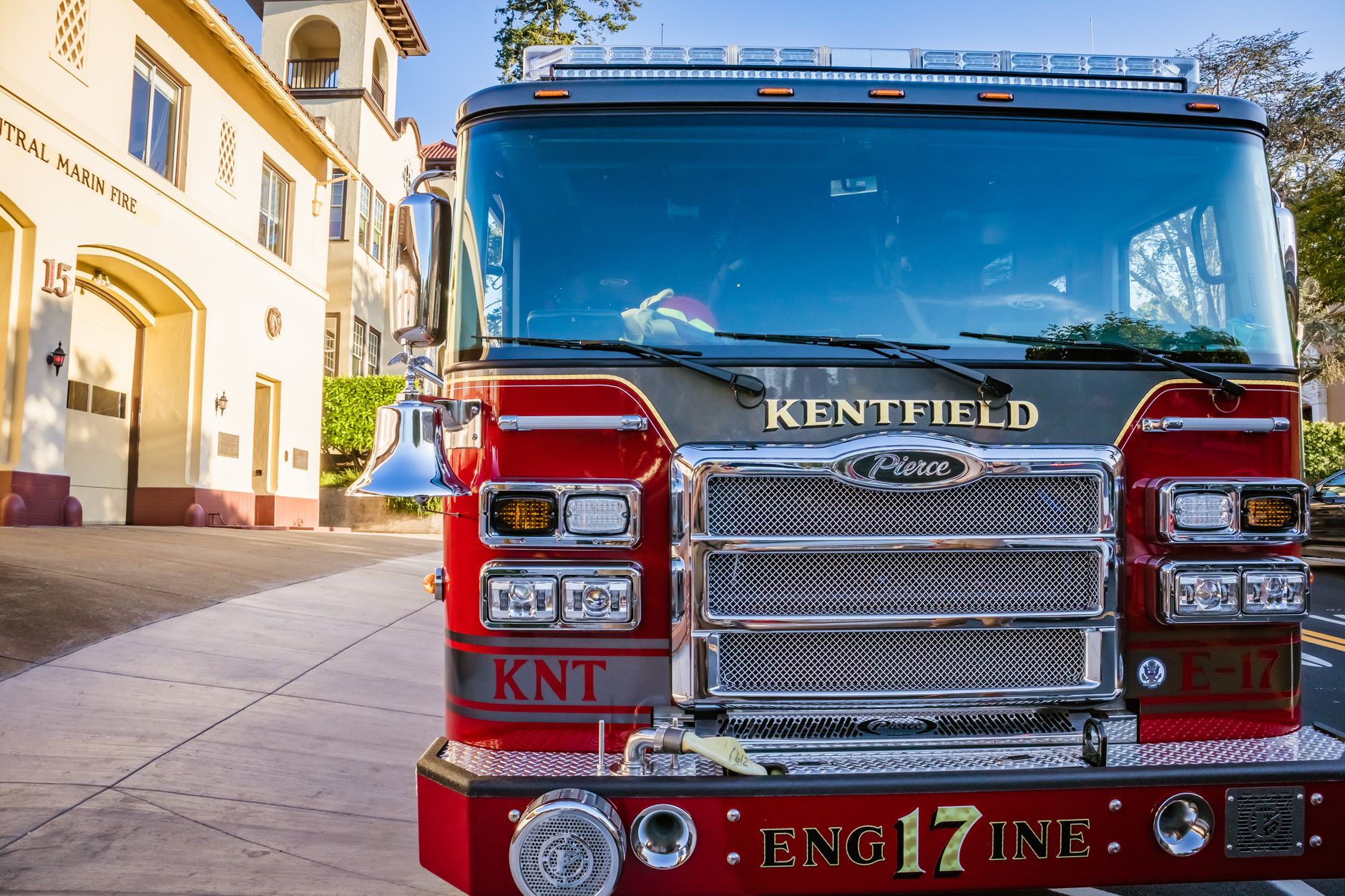
Photo by Robert So on Pexels
When residents need answers fast, your website should calm them down
For a fire department or fire protection district, trust starts before the first call ever comes in. People may be checking burn rules, looking for station contact details, trying to confirm an incident alert, or wondering how to join the department. If your site is hard to use, out of date, or looks neglected, that creates doubt right away.
A good fire department website does one simple job well: it helps people get the right answer quickly and feel confident they are dealing with a real, active department. That means fewer repeat phone calls, fewer missed messages, and less time spent by your team answering the same basic questions over and over.
Start with the pages people actually need
The quickest way to build trust is to make the most-used information easy to find from the first screen. For most departments, that means:
- emergency contact information
- station address and directions
- burn ban or burn permit rules
- open burning updates
- recruiting or volunteer interest information
- meeting dates for boards or district meetings
- news or alerts that show the department is active
When those details are easy to spot, residents do not have to guess. A homeowner can find the burn rule before lighting a brush pile. A parent can check a meeting notice without calling the station. A person interested in joining can see how to start instead of giving up after a frustrating search.
Keep the wording plain so people do not have to decode it
Clear words build confidence. Short, direct phrases help people know they are in the right place. Instead of long explanations, use simple labels like Burn Rules, Join the Department, Contact Us, and Alerts.
That matters even more on a phone. Most people will visit your site while standing in a driveway, sitting in a truck, or trying to make a quick decision. If they can understand the page in a few seconds, they are more likely to trust the answer and act on it.
Show that the information is current
Nothing hurts trust faster than a website that looks forgotten. An old event flyer, last year’s holiday message, or a burned-out link can make residents wonder whether the department is still paying attention.
A practical fix is to keep a few areas fresh all the time:
- post current alerts and notices
- remove old announcements when they are no longer useful
- update meeting dates and leadership names when they change
- refresh recruiting information when hiring or volunteer needs change
This does not have to be a big task if someone else handles the updates for you. That is one reason departments choose fire department websites built for public safety organizations. The point is not to hand more work to staff or volunteers. The point is to make sure the site reflects what is true today, not what was true months ago.
Make security part of trust, not an afterthought
People may never say it out loud, but they notice when a site feels unsafe or broken. A strange warning, a page that does not load, or a form that looks sketchy can make them leave. For a public service organization, that is more than an annoyance. It can affect whether residents believe the department is dependable.
A secure site should protect visitor information, reduce the chance of bad changes, and stay steady during normal use. It should also be cared for regularly so it does not become one more thing your team has to worry about. When the site is looked after for you, staff can focus on calls, training, inspections, and community service instead of worrying whether the website has drifted out of date.
Peace of mind comes from not having to babysit the site
Volunteer departments especially feel this pressure. A few people end up doing many jobs, and website updates are often the first thing to slip. The result is predictable: old documents stay online, recruiting pages go stale, and residents cannot tell what is current.
That is why a managed site can be such a relief. With Mainfolk, the website is built for your department and kept up to date for you, so your team does not need to remember every change or chase down every small fix. You get a site that stays useful without becoming another assignment.
Trust is not just about looking professional. It is about helping residents get the right answer quickly, on any phone, and seeing that your department is active, current, and ready to help.
What this changes for your department
When the website is easy to use, secure, and current, the benefits are practical:
- fewer calls asking for basic information
- more people finding burn rules and alerts on their own
- more volunteer interest from people who can quickly understand how to start
- less time spent correcting outdated pages
- more confidence from residents, board members, and community partners
If your site helps people without creating work for your team, it is doing its job. That is the kind of steady support a fire department website should provide every day, not just when there is an emergency.
A simple standard to use when reviewing your site
- Can a resident find the most important information in under 10 seconds?
- Do the pages clearly show what is current right now?
- Would a first-time visitor trust the site enough to act on it?
- Could your team leave it alone for a week without it falling behind?
If the answer to any of those is no, the site is costing you time and trust. If you want a public-facing site handled for you, Mainfolk keeps the burden off your team while giving residents a clear, reliable place to turn.
Free download: grab our fire department website checklist — the short, plain-English list of what your site needs to get found and bring in calls. No cost, no obligation.
Common questions
What should a fire department website include first?
Start with contact details, station address, burn rules, alerts, and recruiting information. Those are the pages residents and future volunteers need most.
How does an up-to-date website save staff time?
It reduces repeat phone calls and keeps people from asking for information that should already be easy to find. That gives your team more time for actual department work.
Why does security matter for a fire department site?
A secure site helps visitors feel safe using it and reduces the risk of bad changes or broken pages. That supports trust in the department as a whole.