
Fire departments
How Fire Departments Get Found by AI Answers
· 6 min read
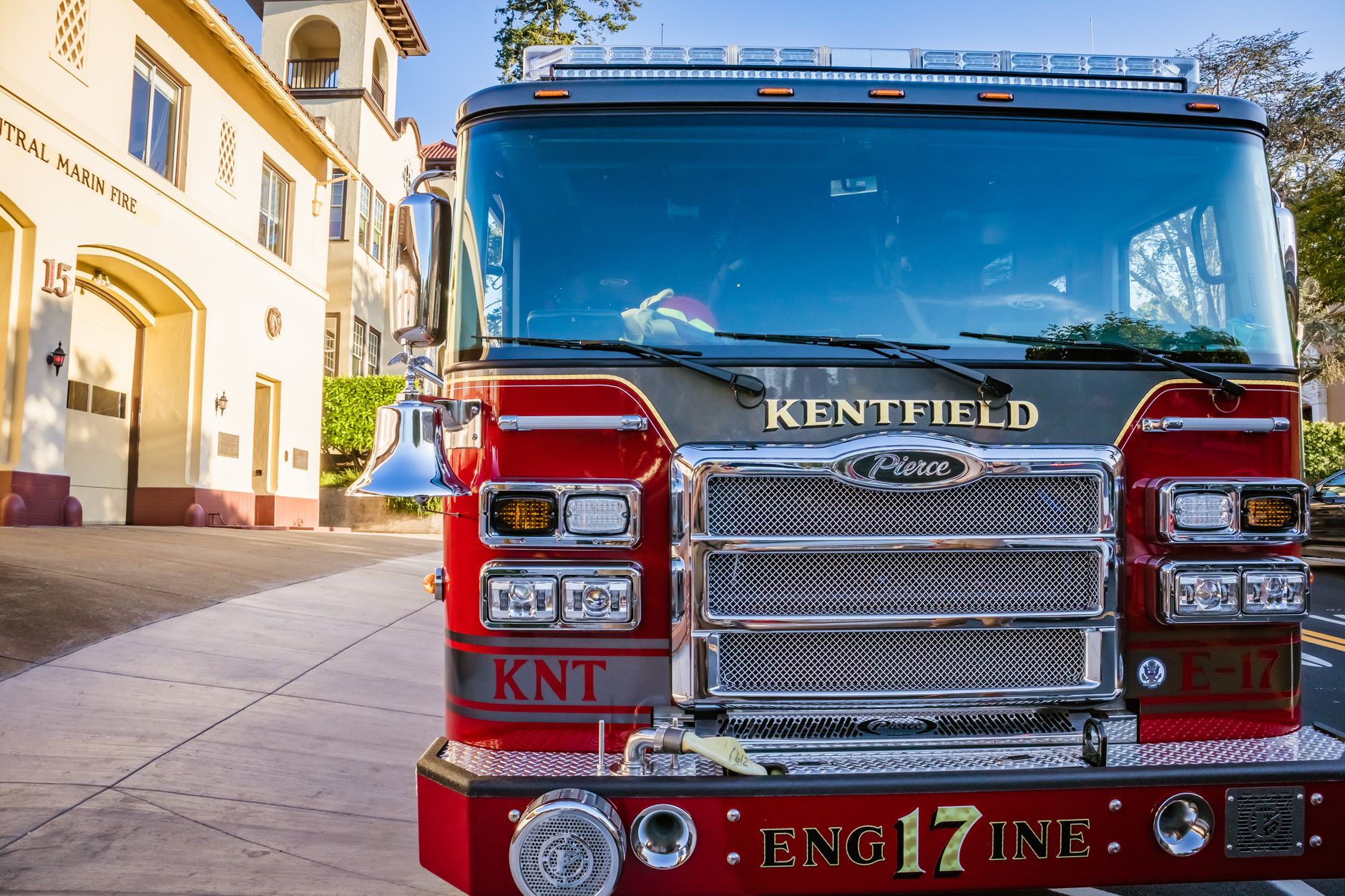
Photo by Robert So on Pexels
Why this matters now
More people are asking their phone or computer for quick answers like “Who serves this area?” or “What is the fire department number for this town?” If your department’s website makes those details easy to find, AI tools are more likely to share them correctly. That can mean fewer wrong calls, fewer confused visitors, and more people reaching the right office the first time.
For a volunteer or career fire department, that matters in everyday ways: a resident finding the station phone number after hours, a contractor checking whether your district covers a property, or a new family looking for burn permit information. When your site gives clear answers, you save staff time and help the public get what they need faster.
The one thing AI answers need most: clear facts
AI assistants do better when your website says the important facts plainly and in one place. They are much more likely to quote you accurately if your site answers the basic questions a person would ask out loud.
Think of the details that should never be hard to find:
- Department name
- Phone number and after-hours contact
- Station address and mailing address, if different
- Service area or district boundaries
- Emergency number and non-emergency number
- Office hours
- Burn permit rules
- Inspection or prevention contact
- Recruitment contact for volunteers or applicants
If those facts are buried in a PDF, spread across several pages, or written in different ways on different pages, AI tools may mix them up. Clear, repeated facts help both people and AI assistants.
Make your homepage answer the top questions
Your homepage should not make visitors hunt. It should answer the questions people ask most often when they are in a hurry.
A good fire department homepage should quickly show:
- Who you serve
- How to contact you
- What to do in an emergency
- How to find burn permit, inspection, or recruitment details
This is especially helpful when someone asks an AI assistant something like, “What fire department covers my address?” or “How do I get a burn permit in this district?” If the answer is easy to spot on your site, the assistant has a better chance of giving the right response.
One practical approach is to put a short “quick facts” section near the top of the homepage. Keep it plain and direct. For example:
Serving the Oak Valley Fire Protection District. For emergencies, call 911. For non-emergency calls, contact station office at [phone number]. Burn permit information is available on our website.
Use the same names everywhere
AI tools can get confused when the same thing is called by different names. If your district is sometimes listed as “Oak Valley Fire Department,” sometimes “Oak Valley Fire Protection District,” and sometimes just “Oak Valley Fire,” that inconsistency can lead to bad answers.
Pick one main way to name your organization and use it in the same way across your website pages, forms, and contact details. Do the same for your address, phone number, and service area. Consistent wording helps people and AI assistants understand that they are looking at the same organization.
This also helps when people search from a moving car, a kitchen counter, or a jobsite. They may not know your formal name, but they do know the town, district, or station. Clear naming makes it easier for them to recognize they have found the right department.
Put common questions into plain answers
AI assistants often pull answers from simple question-and-answer sections. That means your site should include short pages or sections that sound like the questions your community actually asks.
Useful examples for a fire department include:
- What area does the department serve?
- How do I get a burn permit?
- How do I schedule a station visit?
- Who do I call for a fire inspection?
- How do I apply to volunteer?
- What should I do during a burn ban?
Keep the answers short, specific, and updated. If your burn permit rules changed last season, make sure the website says that clearly. If volunteer applications are only accepted during certain months, say so plainly. Accurate answers matter more than long explanations.
Use plain words a caller would use
Write the way your neighbors speak. If a person would ask, “Can I burn brush today?” then that phrase should appear on the page. If they would ask, “What do I do if I need an inspection?” use that wording too.
That simple choice helps your site show up in the kinds of questions people now ask AI assistants. It also helps older residents, new residents, and anyone who is stressed and looking for fast help.
A good test: if a high school student had to explain your page to a parent in one sentence, would they understand it right away? If not, the wording needs to be simpler.
Keep details current, especially phone numbers and hours
The fastest way to lose trust is to have outdated information. A wrong phone number, old office hours, or an expired permit note can send people in the wrong direction. AI answers can repeat those mistakes if the website is not current.
Review these items regularly:
- Phone numbers
- Office hours
- Burn ban notices
- Application forms
- Meeting dates
- Recruitment details
- Chief, board, or officer names
This is where a managed service like Mainfolk can save real time for a busy department. Instead of asking a staff member or volunteer to hunt down old pages, the site can stay current for you. Mainfolk also builds fire department websites designed to answer the public’s most common questions clearly and keep those details easy to find.
What a better result looks like
When your site is set up this way, the outcome is practical:
- More people reach the right number on the first try
- Fewer calls are wasted on the wrong office
- Residents find burn rules faster
- Volunteer applicants get to the right form sooner
- Your staff spends less time correcting confusion
If you want a site built for that kind of clear communication, Mainfolk offers fire department websites for departments and districts that need accurate information to be easy to find.
For departments that want simple, reliable help with everything included for one flat price, plans start free and paid plans are $15/month and $29/month: pricing details.
Small changes on your website can make a real difference in how people find you, understand you, and contact you. For a fire department, that is not just a website win. It is a public service win.
Free download: grab our fire department website checklist — the short, plain-English list of what your site needs to get found and bring in calls. No cost, no obligation.
Common questions
How does an AI assistant decide what to say about our fire department?
It looks for clear, current facts on your website and nearby public listings. If your site is easy to read and consistent, it is more likely to share the right details.
What information should we make easiest to find?
Your phone number, service area, office hours, emergency instructions, burn permit details, and volunteer or inspection contact are the most important.
Can a small department really benefit from this?
Yes. Even one fewer wrong call or one more volunteer inquiry can save time and improve service for your community.