
Churches
A Church Website Someone Can Actually Look After
· 4 min read
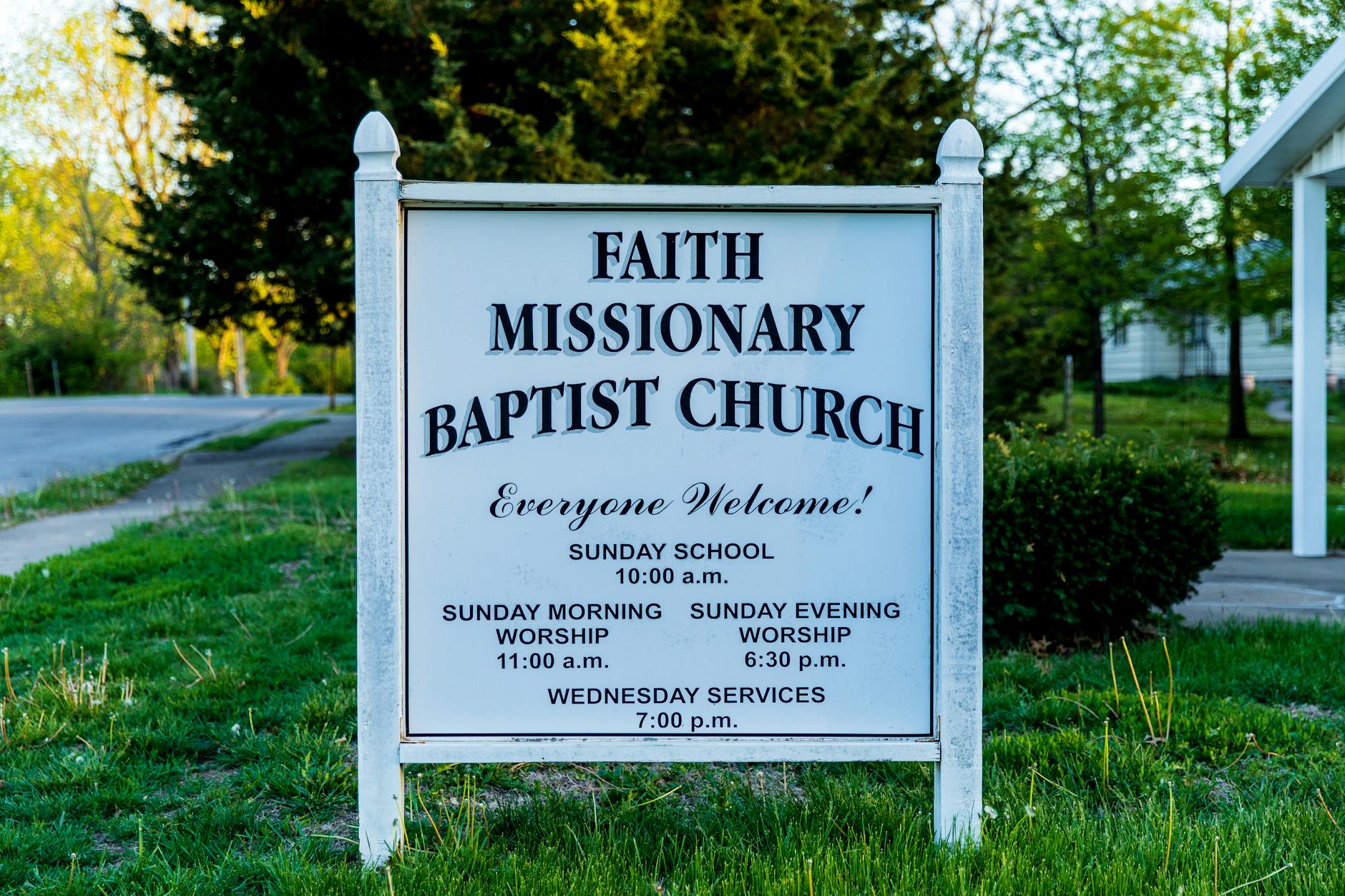
Photo by Stephen Fuller on Pexels
The Website Shouldn't Be Another Volunteer Job
Most churches have a website because someone once had the time to build one. Then that person moved, got busy, or stepped back from ministry — and the site quietly stopped getting updated. The service times were wrong. The staff page still showed a pastor who left two years ago. Nobody wanted to touch it because nobody quite understood how it worked.
That's not a failure of that volunteer. It's a sign the website was never set up to be looked after easily. A church site should work the opposite way: someone visits, finds what they need, and your team never has to think about whether it's broken, out of date, or unsafe.
What "Everyone Can Use It" Really Means
Think about who actually visits a church website. A grieving family looking for funeral service details. A grandparent trying to read the sermon times on a small phone screen. A visually impaired member listening to the page with a screen reader. A new family checking if there's a nursery before they walk in the door.
A site built to be accessible to everyone means larger text works properly, buttons are easy to tap, color contrast is easy on the eyes, and screen readers can describe the page clearly. This isn't a technical nicety — it's the difference between someone finding your Sunday service and giving up and trying another church down the road.
Staying Safe Without Anyone Noticing
Church websites collect real, sensitive information: prayer requests, giving records, volunteer background check forms, event sign-ups with children's names. If that information isn't protected properly, it's not just embarrassing — it can break trust with families who've shared something personal.
Keeping a site secure isn't a one-time task. It requires ongoing attention that most church staff and volunteers simply don't have time for, and shouldn't have to learn. A well-run church website handles that protection quietly in the background, the same way a good building manager handles the furnace — you only notice if something goes wrong, and it shouldn't.
What "Kept Up to Date" Should Actually Look Like
Ask yourself honestly: if the service time changed this Sunday, or a beloved elder passed away and the staff page needed updating today, who would do that — and how long would it take?
For many churches, the honest answer is "we're not sure" or "whoever remembers the password." That's a quiet source of stress, even if nobody says it out loud.
A site that's genuinely looked after means changes happen without anyone on staff learning new software or waiting on a favor from a tech-savvy member. It stays fast on phones, stays working correctly, and stays current — sermon series, event calendars, giving links — without pulling a volunteer away from the ministry work they actually signed up for.
Being Found by People Looking for a Church Home
When someone new to town asks their phone for a church nearby, or searches for a Christmas Eve service time, your website is often the very first impression they get of your congregation — before they ever walk through the door. If the page loads slowly, looks outdated, or is hard to read on a phone, that first impression works against you.
A well-cared-for site helps people find accurate service times, understand what your church believes, and picture themselves belonging there.
What This Looks Like in Practice
This is exactly the kind of quiet reliability Mainfolk is built around: a site is designed and built for your church, then kept updated, secure, and accessible for everyone — without a staff member or volunteer needing to manage any of it. Plans start free, and paid plans are one flat monthly price with everything included, no setup fees and no contracts — you can see the details at mainfolk.com/#pricing.
The goal isn't a fancier website. It's one less thing for your team to worry about, so the time and energy your people have goes toward ministry — not maintenance.
Free download: grab our church website checklist — the short, plain-English list of what your site needs to get found and bring in calls. No cost, no obligation.
Common questions
Do we need a tech-savvy volunteer to keep our church website updated?
No — a well-run church website is kept current and secure by the team behind it, so no one on your staff needs technical skills or extra time.
Why does accessibility matter for a small congregation's website?
Accessible design helps older members, visitors with disabilities, and anyone browsing on a phone actually find your service times and get in the door.
Is protecting information like prayer requests and giving records really necessary for a small church?
Yes — churches collect sensitive personal information, and keeping that protected is an ongoing responsibility, not a one-time setup step.