
Churches
What New Church Visitors Look for on Your Website
· 4 min read
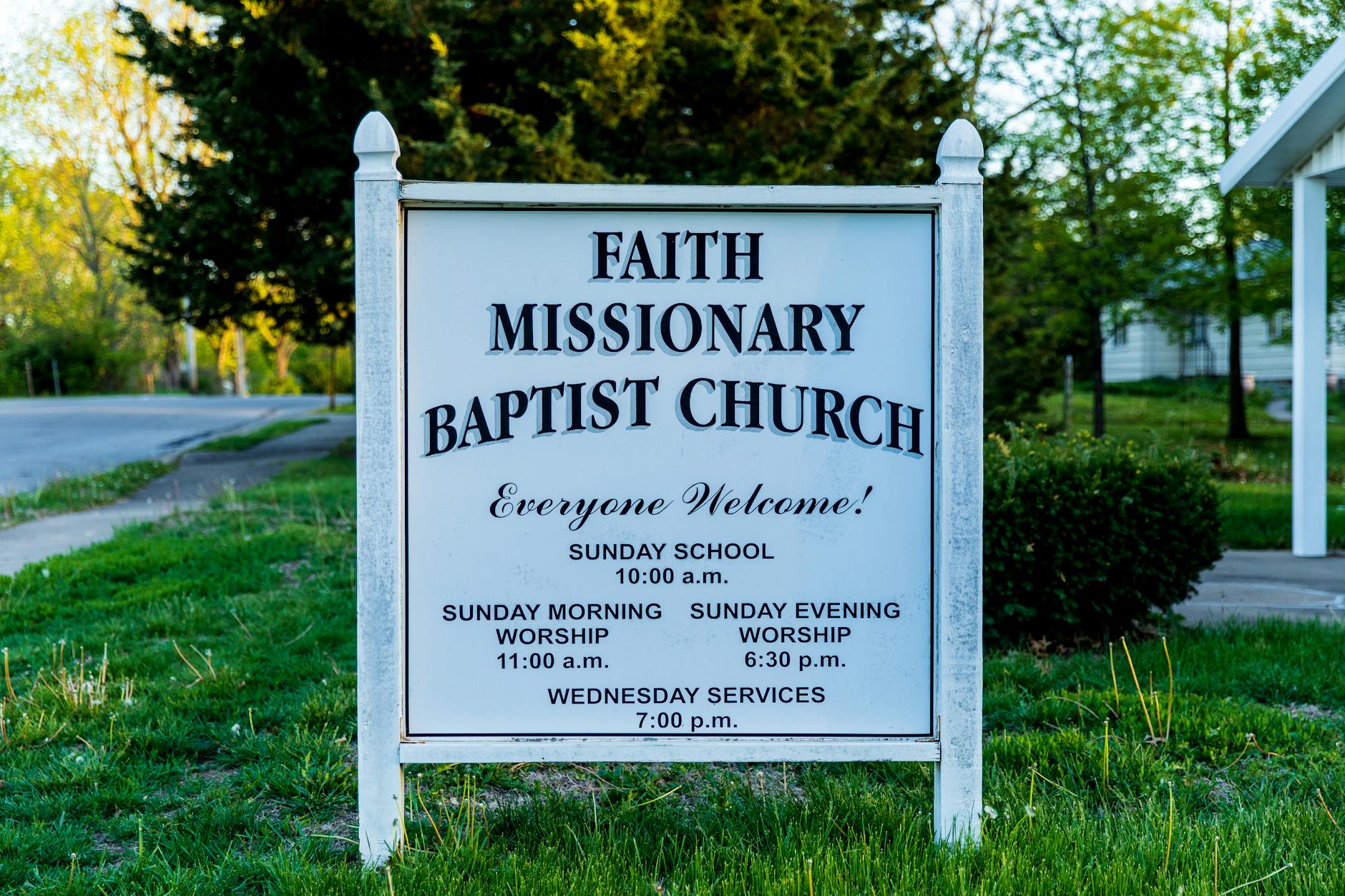
Photo by Stephen Fuller on Pexels
When someone in your town decides to look for a new church, their journey almost always begins on a phone or computer. Long before they step through your sanctuary doors, walk past your greeting team, or sit in a pew, they spend thirty seconds looking at your website. In those brief moments, a visitor makes up their mind about whether your church is active, welcoming, and safe for their family.
What Visitors Decide in the First Few Seconds
When a prospective visitor lands on your page, they are usually looking for answers to four specific questions:
- What time are your services, and where are you located?
- What should I expect when I walk in the door?
- Is there a safe, engaging place for my children?
- Is this church active and alive today?
If your website answers these questions clearly, the visitor feels reassured. They can picture their Sunday morning: where to park, what to wear, and how their children will be cared for. But if your site displays holiday service times from two years ago, broken links, or confusing menus, a quiet doubt sets in. A visitor might assume that if the website is neglected, the ministries inside the building might be neglected too.
The Quiet Cost of an Outdated Website
The hardest part about an outdated site is that you rarely hear from the people you missed. A young family moving into your neighborhood will not call your office to ask if the Sunday school schedule online is still correct—they will simply look for another church whose schedule is clear and current.
This quiet loss happens for very understandable reasons. Most church leaders and volunteers are busy visiting community members in need, preparing sermons, coordinating volunteers, and running mid-week programs. Learning how to edit web pages, resize photos, and troubleshoot technical errors is rarely the best use of a pastor's or administrator's time. When website updates feel frustrating or time-consuming, they naturally get pushed to the bottom of the to-do list.
Four Simple Elements That Build Trust
Creating a welcoming digital front door does not require a complex or flashy design. In fact, clarity always beats clutter. To make your site truly effective for new visitors, focus on four fundamental areas:
1. Service Times and Location Front and Center
Your address, worship times, and campus map should be visible immediately without forcing someone to scroll or click through multiple pages. If you offer online worship options alongside in-person services, make sure those details are equally easy to find.
2. A What to Expect Guide
New places cause anxiety for many people. Include a short, warm explanation of a typical service. Mention the general style of dress, how communion is served, how long worship lasts, and where first-time visitors should enter.
3. Clear Information for Families
Parents want to know their children are in good hands. Detail your check-in procedures, background checks for volunteers, and the age groups served during worship. Clear safety information provides immediate peace of mind.
4. Current Events and Sermons
Show that your community is gathering this week. A simple list of upcoming events and recent sermon audio or video demonstrates that your church is active and engaged in local ministry.
Keeping Your Site Current Without the Burden
Keeping information accurate should not require your staff to become technology experts. That is why many congregations rely on a dedicated church website service to handle the heavy lifting. Instead of struggling with web software, your church leadership can simply send an email whenever service times change, a new event is scheduled, or a pastor joins the team.
At Mainfolk, we build and maintain your entire website for you. We make sure your site works smoothly on smartphones, remains easy to read for everyone, and is formatted so that when someone asks their phone or an AI assistant for a church nearby, your information is clear and easy to find. Everything your ministry needs is provided for one flat price starting at $15 a month on our pricing plans, with zero setup fees or unexpected bills.
Making Your Digital Front Door as Welcoming as Your Sanctuary
Your ministry spends significant time and care making sure guests feel at home when they walk through your doors. Giving the same care to your website ensures that local families searching for community, hope, and faith can find you with confidence. By keeping your information simple, warm, and up to date, you remove the hurdles between a searching neighbor and your Sunday morning community.
Free download: grab our church website checklist — the short, plain-English list of what your site needs to get found and bring in calls. No cost, no obligation.
Common questions
What is the most important information to put on a church website?
Your worship service times, street address, parking directions, and clear information about children's ministry should always be the easiest things to find on your homepage.
How often should a church website be updated?
Basic information like service times must always be current, while event schedules and sermon links should ideally be updated weekly or monthly so visitors know your community is active.
How do prospective visitors find our church online?
Most local residents search on their smartphones or ask voice assistants for churches nearby, making clear text about your location and beliefs essential for being found.