
Churches
Why Your Church Website Loses Visitors (And How to Fix It)
· 4 min read
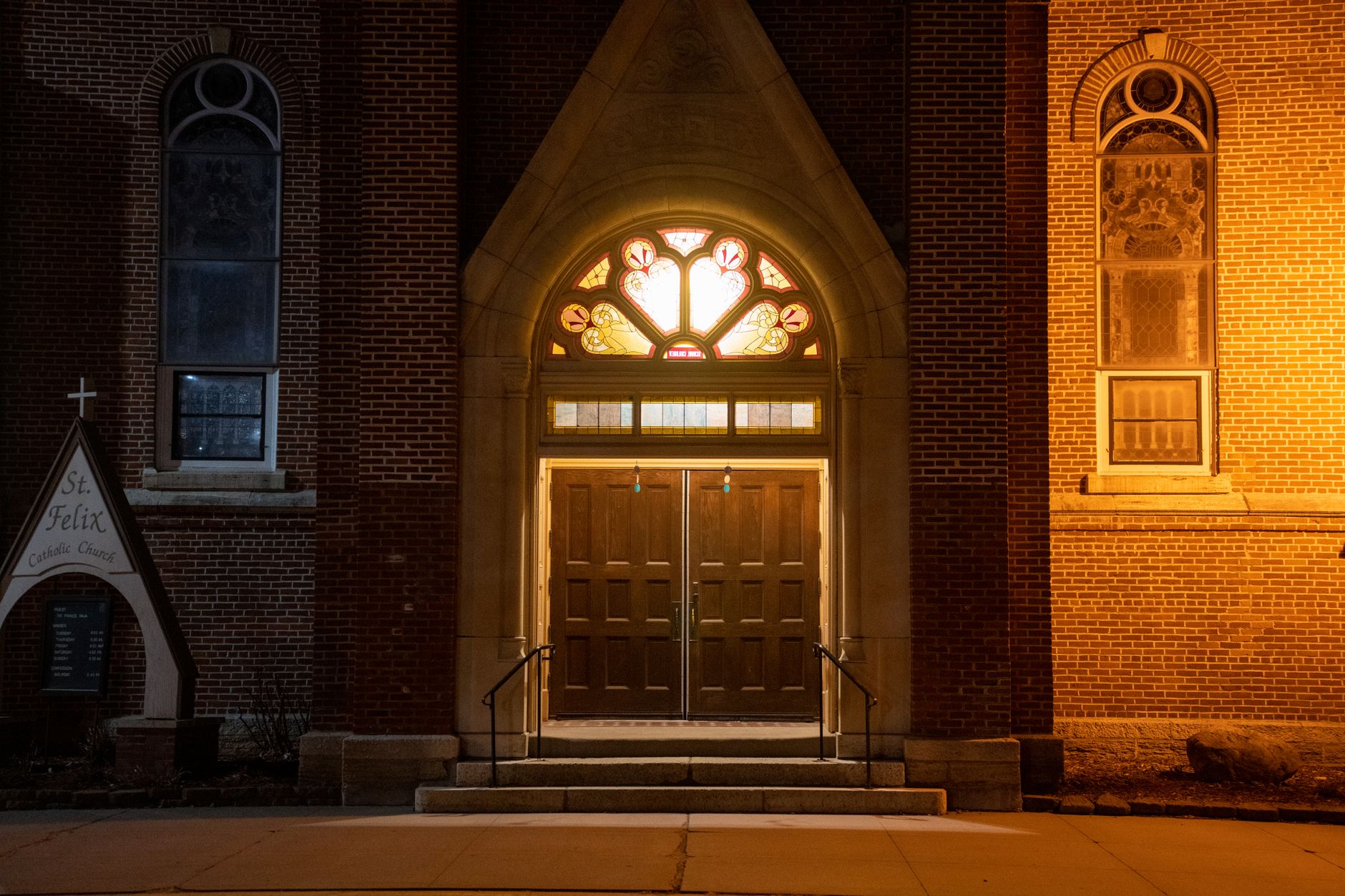
Photo by Tom Fisk on Pexels
The Silent Problem
A visitor lands on your church website for the first time. They're new to town, searching for a faith community, or maybe just curious. Within seconds, they're gone—not because your church isn't welcoming, but because your website didn't answer their basic questions.
Most churches lose potential visitors because their websites are built for people who already know the church, not for people who are trying to decide if they belong there.
What First-Time Visitors Actually Need
When someone lands on your site, they're asking specific things, usually in this order:
- Where are you and when do you meet? This should be visible within three seconds, ideally without scrolling. Not buried in a menu labeled "Service Times."
- What's it like to visit? Are there children's programs? Nursery? Do I need to dress up? What happens when I walk in the door?
- Who are you? What do you actually believe and teach? What's the vibe—traditional, contemporary, casual, formal?
- How do I connect? How do I ask questions, get prayer, or join a group?
If your website makes visitors work to find these answers, most will look elsewhere.
The Specific Fixes
Put Your Location and Times Everywhere
Your address and service times shouldn't be hidden. Put them at the top of your homepage. Put them in your site footer so they appear on every page. If you have multiple services or a second campus, list them all clearly with the day and time.
Use your site's map feature if available. A visitor should be able to click and get directions instantly.
Create a "First-Time Guest" Section
Write a page specifically for people visiting for the first time. Answer the questions above directly. Include a photo of your sanctuary or worship space so people know what to expect. If you have a parking process, explain it. If you pass an offering plate, say so. If children are welcomed loudly and often, say that too.
Honesty here builds trust. Visitors appreciate knowing what they're walking into.
Show Your Face
Include photos of your pastor, staff, and volunteers on your website. Use candid shots of actual worship, not stock photos of smiling strangers. People want to know who they'll meet.
Make Contact Easy and Clear
Don't force visitors to hunt for a phone number or email. Add a simple contact form on your homepage or website footer. Respond within 24 hours—even just to say "Thanks for reaching out, we'll follow up soon."
If you offer prayer requests, make that button obvious and easy to find.
The Technical Side Matters Too
Your website needs to work on phones. Most first-time visitors will find you on their mobile device. If your site is slow, hard to read on a phone, or has broken links, they'll leave before they give you a chance.
Your site also needs to show up when people search for "churches near me" or "churches in [your town]." This isn't magic—it requires your site to be built properly for search engines and clearly state your location and what you offer. A well-built church website handles this automatically, so you don't have to think about it.
The Bigger Picture
Your website is often the first impression a visitor has of your church. It tells them whether you're organized, whether you care about clarity, and whether you're genuinely welcoming to people who don't yet know you.
The good news: these fixes are straightforward. You don't need to rebuild everything. You just need to think like a first-time visitor and make sure your website answers their questions clearly and fast.
Start by auditing your site through a visitor's eyes. Open it on your phone. Can you find your address and service time in three seconds? Can you answer "What will my first visit be like?" Wherever you find gaps, fill them in.
If building and maintaining a website feels overwhelming, consider a platform built specifically for organizations like yours—one that handles the technical side so you can focus on content. You can start free at Mainfolk and build a website that welcomes visitors the way your church does.